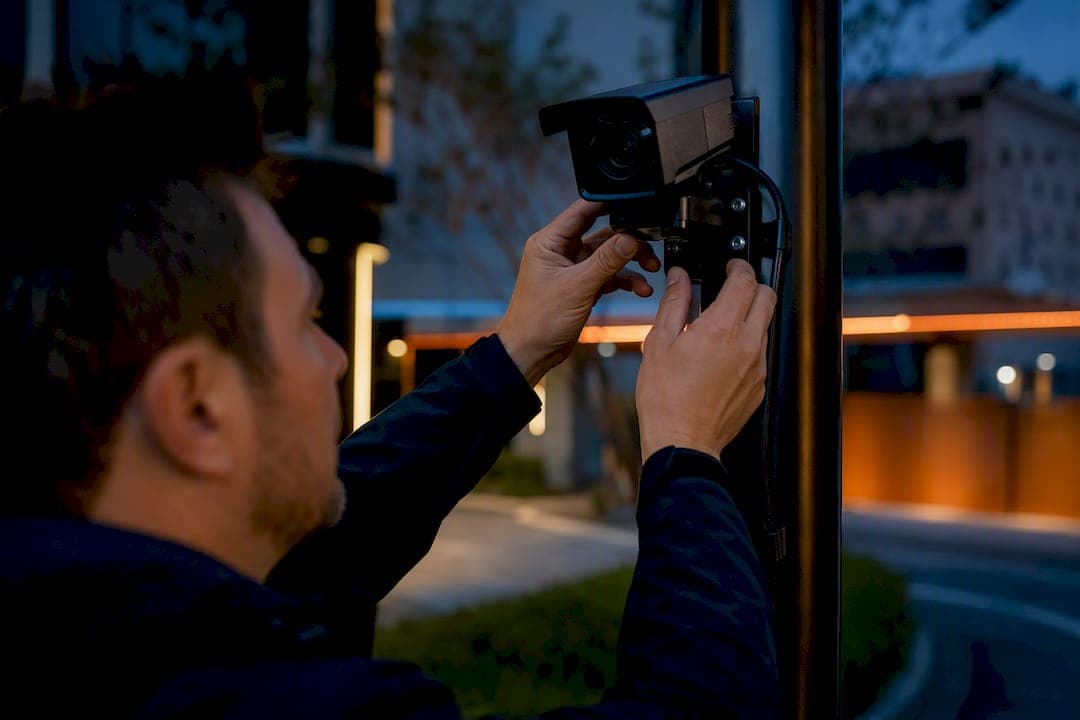
For reliable licence-plate reads in real-world conditions, choose a purpose-built LPR camera or a vetted retrofit kit over a generic security camera. Image capture quality, meaning the right shutter type, infrared illumination, and optics, decides whether a system works. Purpose-built cameras earn their price on high-speed roads or mission-critical sites; an IP camera paired with OCR software can handle low-speed, short-range spots like a gated lot. Whichever route you pick, confirm the camera has a global shutter (or a fast enough shutter speed) and adequate IR before you sign anything.
TL;DR:
- Purpose-built license plate recognition cameras rely on global shutters, correct IR wavelength, and precise mounting angles for accurate reads at high speeds.
- Capture ranges widely vary depending on lighting, lens, and vehicle speed, with high-speed cameras capable of reading from distances over 100 meters at speeds exceeding 120 km/h.
- Poor installation practices, such as steep mounting angles or off-axis IR illumination, are the main causes of read failures, regardless of camera capabilities.
- For best results, run actual vehicle tests during site surveys at different speeds and conditions, logging settings and read rates beforehand to ensure reliable performance.
- Software features like hot-list alerts and forensic search add value only after hardware and placement issues are properly addressed through testing and correct installation.
Table of Contents
- What is a license plate capture camera and how is it different from CCTV?
- Which camera features actually determine a successful plate read?
- How far and how fast can these cameras actually capture plates?
- Where should you mount the camera and how do you test it?
- Should plate recognition run on the camera, on a server, or in the cloud?
- What does an LPR system cost, and when do you need a specialist?
- JupiterAV's installer checklist and the pitfalls we see most
- Where buyers get plate capture wrong
- Get your site assessed and your system built right
- Sources
What is a license plate capture camera and how is it different from CCTV?
A license plate capture camera is built around one job: turning a moving vehicle's plate into readable text, fast and consistently. That's a narrower task than general surveillance, and it demands different hardware. Automated license plate reader (ALPR/ANPR) systems combine a camera, an infrared illuminator, an OCR engine, and a database or video management system (VMS) that stores and flags reads. The camera captures the image, illumination makes the plate legible regardless of light, OCR extracts the characters, and the software layer does something useful with that data, like matching it against a hot list or logging entry and exit times.
Standard CCTV cameras are built for wide scenes and human recognition, not for isolating small, fast-moving text under headlight glare at night. That's why a camera that produces gorgeous footage of a parking lot can still fail badly at reading plates: it wasn't designed to freeze motion at the shutter speeds plate capture requires, and its IR isn't tuned to the reflective sheeting most plates use.
Use case shapes the whole design. A gated community checking plates at 10 km/h needs far less camera than a highway toll lane clocking cars at 120 km/h. Law enforcement and forensic search work benefit from purpose-built systems with hot-list alerts; a small business tracking who enters a loading dock can often get by with a retrofit. According to Wikipedia's overview of automatic license plate recognition, lane-site OCR can process a read in about 250 milliseconds, or images can be shipped to a server for later processing, and either path lives or dies on the quality of the original capture.
Which camera features actually determine a successful plate read?
Most failed installations trace back to the same handful of specs getting ignored during procurement. Here's what to check before you buy anything.
- Shutter type: a global shutter exposes the entire sensor at once, freezing a moving plate without the smearing a rolling shutter produces at speed. For anything faster than a slow crawl, global shutter isn't optional.
- Infrared illumination and wavelength: most plates use retroreflective sheeting designed to bounce IR straight back at the camera, so an illuminator paired to the right wavelength (usually 850nm or 940nm) makes a dirty or dim plate readable at night.
- Illuminator placement: mounted too far off-axis from the lens, IR light won't reflect back into the sensor. It needs to sit close to the lens axis.
- Optics and pixel density: the plate needs enough pixels across its width to resolve individual characters, not just fit in frame. A telephoto or varifocal lens with real optical zoom, not digital zoom, gets you there at distance.
- Frame rate and exposure control: enough frames to catch a vehicle mid-lane, plus wide dynamic range (WDR) to handle headlight glare against a dark background.
- Durability ratings: IP66 or higher for weather resistance, and an IK rating if the camera sits somewhere vandalism is a risk.
Pro Tip: Ask any vendor for the exact shutter speed at your target vehicle speed, not just a marketing claim of "captures moving vehicles." A generic answer is a red flag that the camera wasn't tested for your use case.
How far and how fast can these cameras actually capture plates?
Vendor spec sheets throw around capture-distance and top-speed numbers that sound impressive until you try to map them onto your actual site. A published "100 metre capture range" assumes a specific lens, lighting, and plate angle; change any of those and the effective distance drops.
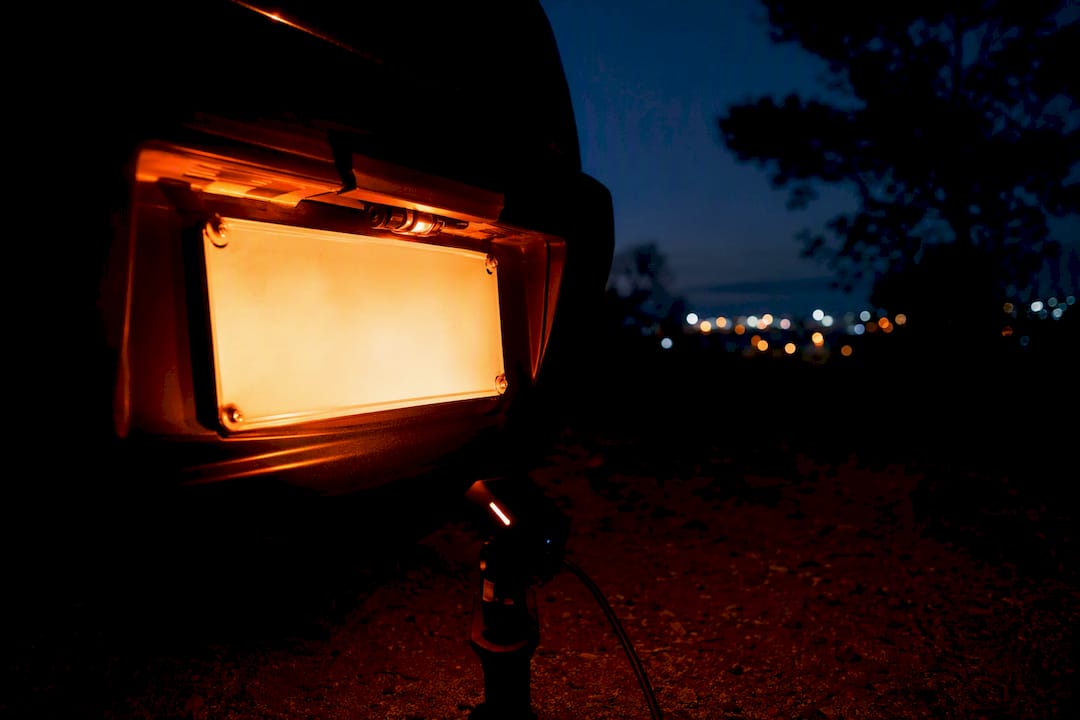
Start with the physics: at 65 km/h, a vehicle covers about 18 metres per second, so a camera needs a fast enough shutter and a wide enough field of view to keep the plate sharp and centred for the moment it's readable. At 120+ km/h, that window shrinks further, which is exactly why highway-grade cameras lean so heavily on global shutter and higher frame rates. Purpose-tuned hardware like the AXIS Q1800-LE advertises capture at very high speeds and long ranges with an optional IR illuminator, while a compact all-in-one unit like the AXIS P1485-LE kit is built for free-flow traffic at closer range, delivering sharp reads from roughly 7 to 20 metres with its tele lens variant. Those are two very different jobs wearing the same "LPR camera" label.
Real-world accuracy also takes hits from factors no spec sheet fully captures:
- Rain, snow, and fog scatter IR light and reduce contrast.
- Mud, snow buildup, or a bent plate can obscure characters entirely.
- Non-reflective or non-standard plate designs (common on trailers, out-of-province vehicles, or older stock) reduce IR return.
- Oblique capture angles distort character shapes enough to confuse OCR.
Treat every "capture up to X km/h" claim as a starting point for your own site test, not a guarantee. A camera that reads perfectly on a vendor's demo lane can behave differently once your lighting, lane width, and plate mix enter the picture.
Where should you mount the camera and how do you test it?
Geometry matters more than almost any other variable in a plate-capture install, and it's the cheapest thing to get wrong for free.
- Keep the angle of incidence low. Aim for the camera to view the plate as close to head-on as possible; most installers try to stay within about 15 to 30 degrees off-axis, since steeper angles distort character shapes and weaken the IR bounce-back.
- Mount at the right height. Too high, and you're shooting down onto the plate at a steep angle; too low, and headlight glare becomes a bigger problem. A mounting height that keeps the plate roughly centred in frame, aligned parallel to the lane, generally performs best.
- Run cabling with headroom. Power over Ethernet (PoE) simplifies most installs, but plan for surge protection at both ends and weatherproof connectors anywhere the run is exposed outdoors.
- Test before you call it done. Run actual vehicles through the lane at your target speed, during the day and again after dark, using a mix of clean, dirty, and non-reflective plates. If the camera can't handle that mix on a test day, it won't handle it in production either.
Pro Tip: Photograph and log every test pass, including camera settings at the time (shutter speed, exposure, IR power). That record becomes your baseline if read rates ever drop later, and it tells you immediately whether the problem is the camera or something that changed on-site. For general placement principles that carry over from standard security work, JupiterAV's guide to security camera placement covers sight-line basics worth reviewing alongside plate-specific geometry.
Should plate recognition run on the camera, on a server, or in the cloud?
This decision shapes your bandwidth needs, your latency, and how much control you keep over the data. Edge-based OCR, where the analytics run inside the camera itself, cuts bandwidth and gets you near-instant alerts because there's no round trip to a server. Cameras like the Hanwha PNO-A9311RLP build this in directly, pairing a 4K sensor and 31x optical zoom with onboard ANPR analytics so plates get read without ever leaving the device. Server or cloud-based OCR trades some of that speed for centralized management and more flexible long-term analytics, though it demands more network capacity and storage planning; that trade-off is well documented in Wikipedia's ANPR entry.
Whichever path you choose, the operational features matter as much as the hardware:
- Hot-list matching and automated alerts, so a flagged plate triggers action instead of sitting in a log.
- Forensic search across historical footage, so investigators can pull every appearance of a plate over weeks or months.
- Export formats and open APIs that let the system talk to other software instead of locking data inside one vendor's app.
- ONVIF support and VMS compatibility, which matters if you're integrating with an existing recording setup. JupiterAV's comparison of NVR vs DVR systems is worth a read if you're deciding how footage and metadata get stored.
One caveat worth building into any procurement conversation: collecting and retaining plate data carries privacy and legal obligations that vary by jurisdiction and use case, so loop in whoever handles compliance before deployment, not after.
What does an LPR system cost, and when do you need a specialist?
Budgets for plate capture span a wide range, and most of that spread comes from how much of the job the camera does on its own versus how much software and integration work sits around it.
- Retrofit OCR software paired with existing IP cameras sits at the low end, though results depend heavily on whether those cameras were ever meant for this job.
- Single purpose-built LPR cameras, like all-in-one kits designed for free-flow traffic, occupy the mid-range and usually include preinstalled analytics.
- Enterprise systems, pairing cameras with dedicated edge appliances, sit at the top, built for high-throughput, mission-critical deployments.
The real cost drivers beyond the camera itself: IR illuminators, weatherproof mounts, cable runs and PoE infrastructure, OCR processing licences, installation labour, and integration with existing VMS or access-control platforms. A single-lane residential gate is a very different quote than a four-lane commercial entrance with 24/7 monitoring.
Hiring a specialist earns its keep on mission-critical sites, high-speed roads, or any multi-lane install where a wrong shutter setting or bad aim angle means missed reads at scale. When comparing quotes, ask every vendor the same three questions: what shutter speed and IR wavelength does the camera use, what's the guaranteed capture rate at your actual vehicle speed, and what's included in on-site validation.
JupiterAV's installer checklist and the pitfalls we see most
JupiterAV's site surveys start with sight-lines and plate angles before any hardware gets selected, because the wrong lane geometry ruins even the best camera. We run sample vehicle passes at the site's actual traffic speed, during the day and after dark, using a spread of plate conditions rather than one clean test car.
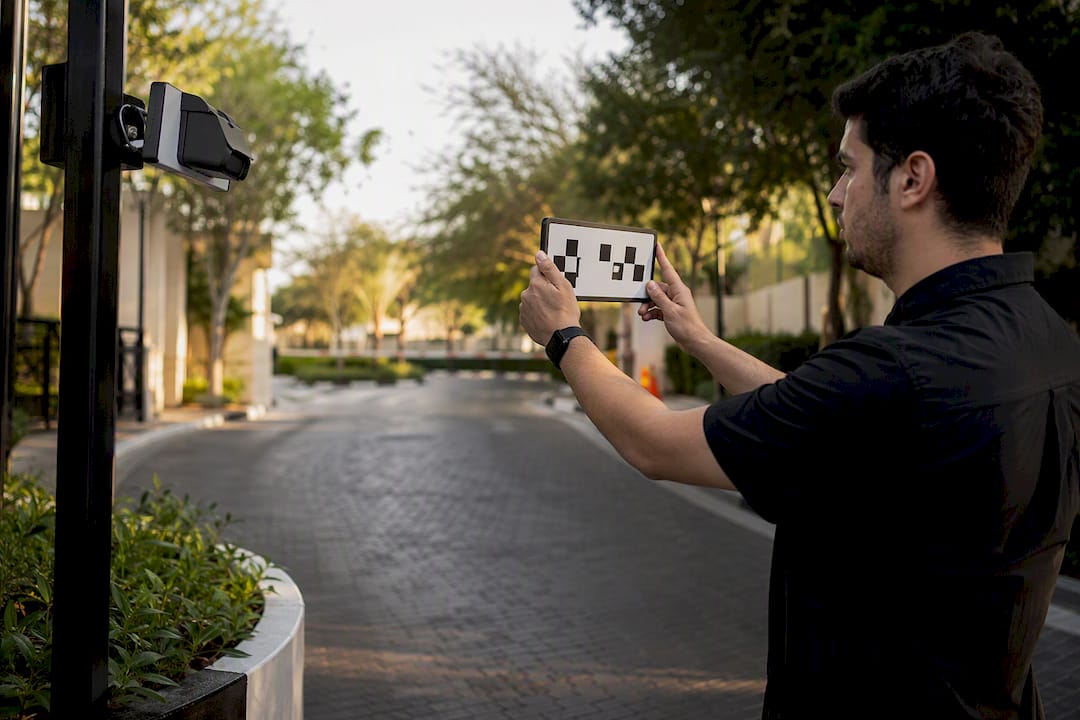
The misconfigurations we fix most often: rolling shutter cameras installed on lanes faster than a slow crawl, IR illuminators aimed off-axis from the lens, and cameras mounted at angles steep enough to distort every character. A proper installation should hand you test footage, a written configuration record (shutter, exposure, IR power), and documented read rates before final signoff, not just a camera bolted to a wall. For more on getting mounting geometry right the first time, see our guides on camera placement and mounting height.
Where buyers get plate capture wrong
Most people shopping for a license plate recognition camera fixate on the headline speed claim, "captures vehicles up to 250 km/h", without asking what conditions that number assumes. That's backwards. The spec sheet number is a ceiling under ideal lighting and a clean, reflective plate; your driveway, loading dock, or gate lane is rarely ideal.
What conventional buying advice underweights is geometry. You can buy the most expensive camera on the market and still get garbage reads if it's mounted at a steep angle or aimed into headlight glare every evening. Software gets blamed for hardware and placement failures far too often; a hot-list alert system is only as good as the plate image it's fed.
If we had to rank priorities for someone specifying a system today: get the shutter and IR right for your actual traffic speed first, get the mounting geometry right second, and treat software features like hot lists and forensic search as the layer you add once the first two are solid. Skip that order and no amount of OCR tuning fixes a blurry plate.
— JupiterAV
Get your site assessed and your system built right
JupiterAV handles the full arc of a plate-capture install: site survey, hardware selection, installation, and on-site tuning to confirm plates actually read at your traffic speed before we call the job done.

A typical engagement starts with a walk of the site to check lane geometry and lighting, moves into camera and illuminator selection matched to your vehicle speeds, and finishes with validation, running real vehicle passes day and night, with reflective and non-reflective plates, until read rates hold up consistently. You get the configuration notes and test evidence to go with it, not just a camera on a pole. If you're planning a gate, lot, or commercial entrance in Calgary and want a system specified around your actual traffic instead of a generic spec sheet, request a site survey and quote from JupiterAV to get started.