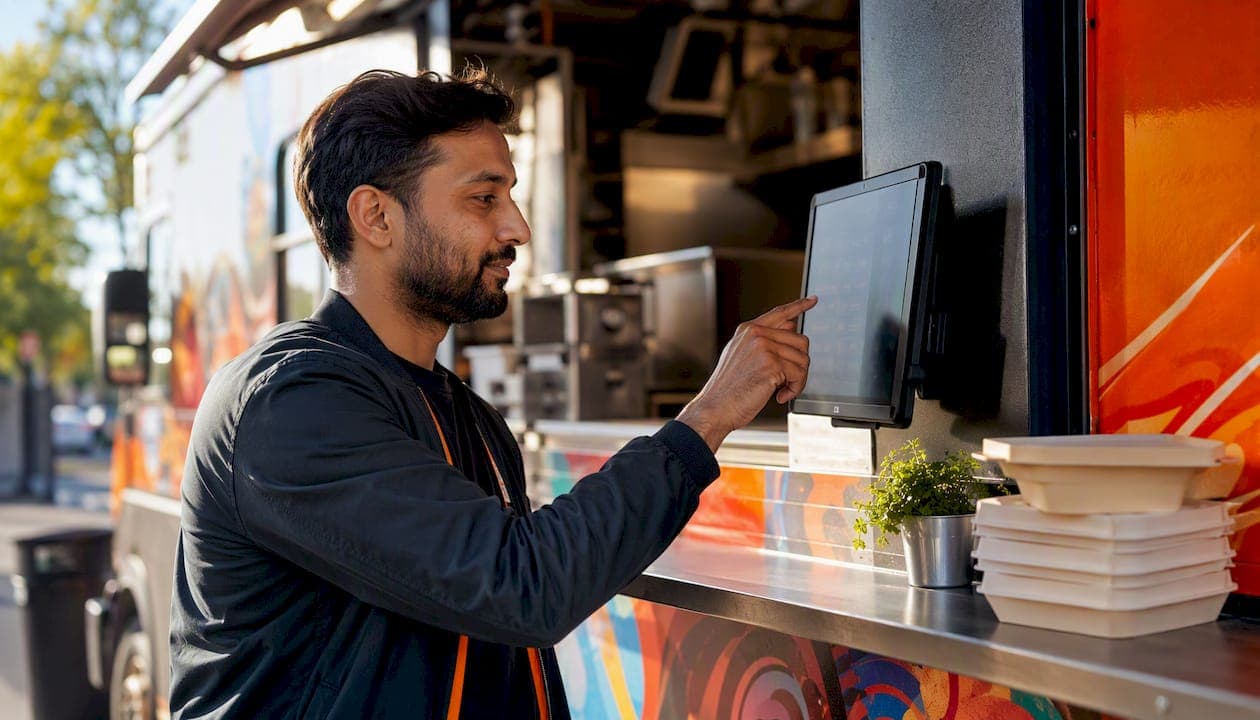
Hire a professional integrator like JupiterAV for turnkey digital signage restaurant sales, installation, and ongoing support in Calgary. Before your first call, request an on-site survey and a line-item quote covering screens, media players, CMS licensing, mounting, low-voltage wiring, permits, training, and warranty terms. Platforms like BrightSign and Menuboards.com are worth asking about by name.
First-call checklist:
- Availability for an on-site survey
- Prior restaurant projects or case studies
- POS and CMS integration capability
- Estimated cost range and timeline to completion
Table of Contents
- What does digital signage do for your restaurant?
- What hardware and software do you actually need?
- How does POS integration actually work?
- What does professional installation include?
- Content and UX best practices worth knowing
- How do you choose a Calgary digital signage integrator?
- Steps from first inquiry to completed install
- JupiterAV delivers turnkey restaurant signage in Calgary
- Key takeaways
What does digital signage do for your restaurant?
Restaurant digital displays do more than replace a printed menu. A well-placed screen at the counter drives combo upsells and limited-time promotions by putting high-margin items in motion at exactly the right daypart. Wayfinding screens near the entrance reduce bottlenecks during peak service. In the dining room, ambient content, sports, or branded entertainment keeps guests engaged while they wait.
The ordering flow benefit is less obvious but often the biggest win. When a screen reflects your actual menu, with accurate pricing and no crossed-out items, staff spend less time correcting orders and guests move through the line faster.
What hardware and software do you actually need?
Every restaurant signage system has three layers: the display, the media player, and the content management system (CMS).
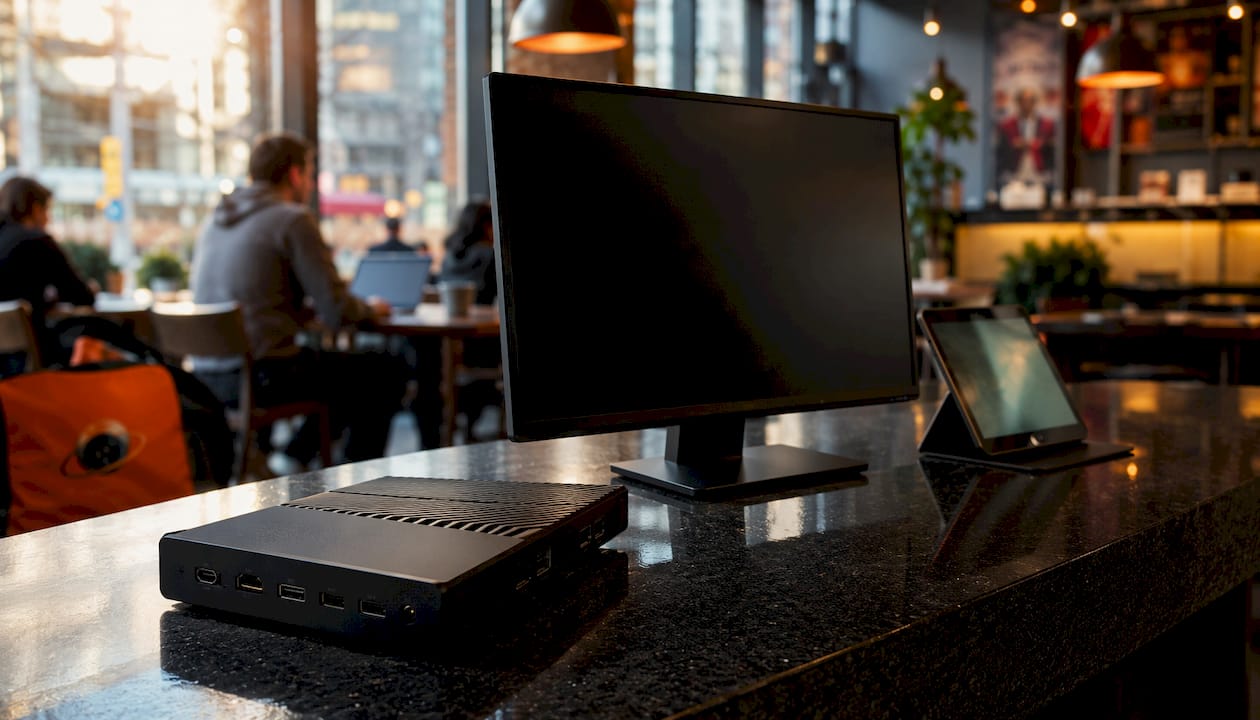
Displays for commercial use are rated for 16/7 or 24/7 operation, built for higher brightness (measured in nits), and designed with thermal management in mind. Consumer TVs often fail early in a kitchen-adjacent environment and can void warranties in commercial use.
Media players like BrightSign handle the heavy lifting between your CMS and the screen. Cloud-based platforms support Android, BrightSign, Samsung Tizen, and LG webOS, so hardware choices stay flexible.
CMS software is where you schedule dayparting, push promos, and manage templates. Tools like Intuiface go further, supporting interactive kiosks and self-ordering displays without any coding.
How does POS integration actually work?
Treating digital signage as an operational system rather than a marketing display is what separates high-ROI installs from expensive wallpaper. A unified CMS with POS sync keeps prices accurate and triggers automatic "out-of-stock" menu reflowing the moment an item sells out.
Ask specifically whether POS integration is real-time and bidirectional. Batch updates that run every few hours still leave room for customer confusion. Menuzen and similar platforms advertise native integrations with major POS systems for exactly this reason.
What does professional installation include?
A qualified installer starts with a site survey: sightlines, ambient light, ceiling height, and power access. From there, the scope covers custom layout and content design, commercial-grade screen and player procurement, professional mounting, and low-voltage wiring run to code. For optimal screen placement in dining rooms and bars, mounting height and viewing angle matter more than most owners expect.
Commissioning, staff training, and documentation round out a complete install. Never accept a quote that skips the training component.
Content and UX best practices worth knowing
Dynamic menus outperform static images because motion draws the eye and dayparted content stays relevant. Interactive touchscreens let guests explore nutritional info and customisation options, but they need deliberate UX design to avoid slowing service at peak times. Keep accessibility in mind: high contrast, legible font sizes, and logical screen zones serve every guest.
How do you choose a Calgary digital signage integrator?
Ask for a local portfolio with restaurant projects. A credible integrator can show you completed installs, explain the CMS they recommended and why, and confirm familiarity with Alberta electrical and low-voltage codes. Red flags include quotes with no line-item breakdown, no mention of commercial-rated hardware, and no post-install support plan.
Steps from first inquiry to completed install
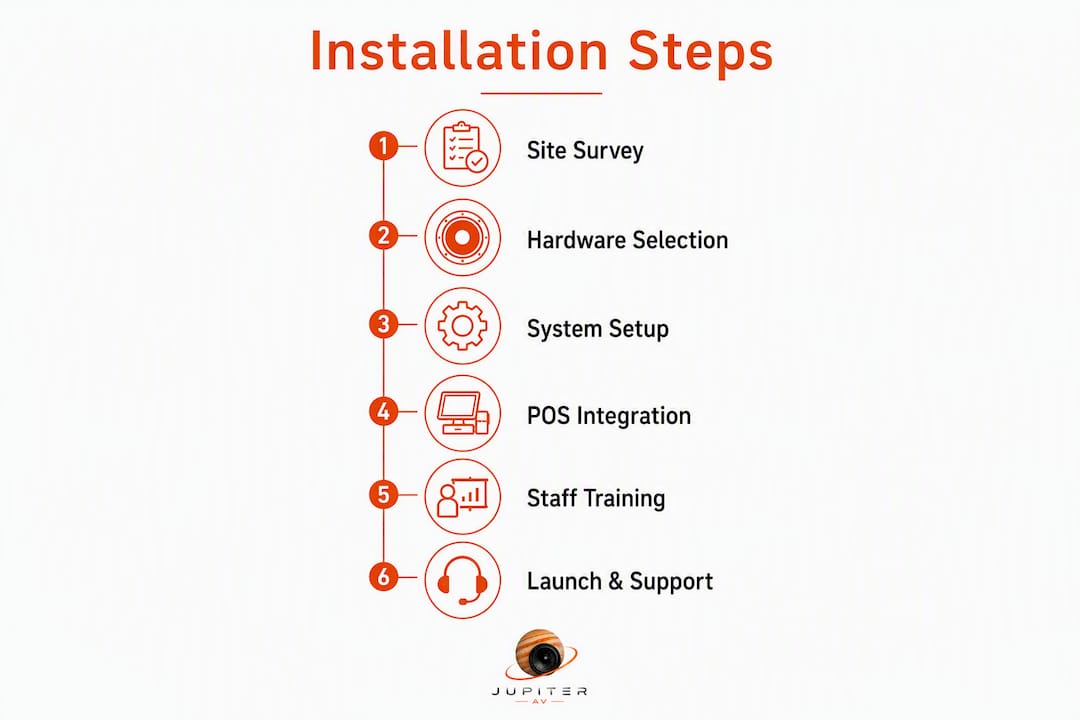
- Submit an inquiry and schedule an on-site survey.
- Review a line-item quote covering hardware, labour, CMS licensing, POS integration scope, permits, training, and warranty.
- Approve layout and content design.
- Hardware procurement and pre-configuration.
- On-site installation: mounting, wiring, power and thermal planning.
- Commissioning, testing, and staff training.
- Ongoing support and remote monitoring.
JupiterAV delivers turnkey restaurant signage in Calgary
Calgary restaurant owners get a single point of contact for the entire project when they work with JupiterAV. That means commercial-grade screens, BrightSign-compatible media players, CMS selection, POS integration, code-compliant low-voltage wiring, professional mounting, commissioning, and staff training, all under one quote.

Pro Tip: Confirm that quoted screens are commercial-rated (16/7 or 24/7, higher nits) and that the quote explicitly includes thermal management and warranty registration. A consumer TV in a commercial kitchen environment is a liability, not a saving.
For outdoor patio or drive-thru installs, outdoor-rated hardware and remote content management are non-negotiable in Calgary's climate. JupiterAV handles both.
Request a site survey and sample quote at jupiterav.ca to get a realistic cost and timeline for your restaurant.
Key takeaways
Professional restaurant digital signage in Calgary requires commercial-grade hardware, code-compliant installation, and CMS-to-POS integration to deliver real operational value.
| Point | Details |
|---|---|
| Commercial hardware matters | Displays rated 16/7 or 24/7 with proper thermal management prevent early failure in restaurant environments. |
| POS sync is the ROI driver | Real-time, bidirectional POS integration keeps menus accurate and eliminates manual price updates. |
| Installation scope is wide | A complete quote covers survey, mounting, low-voltage wiring, CMS licensing, training, and warranty. |
| Content design drives results | Dayparted, motion-based content and accessible screen layouts outperform static menu images. |
| JupiterAV | Calgary's full-service integrator for commercial screens, CMS setup, POS integration, and ongoing support. |