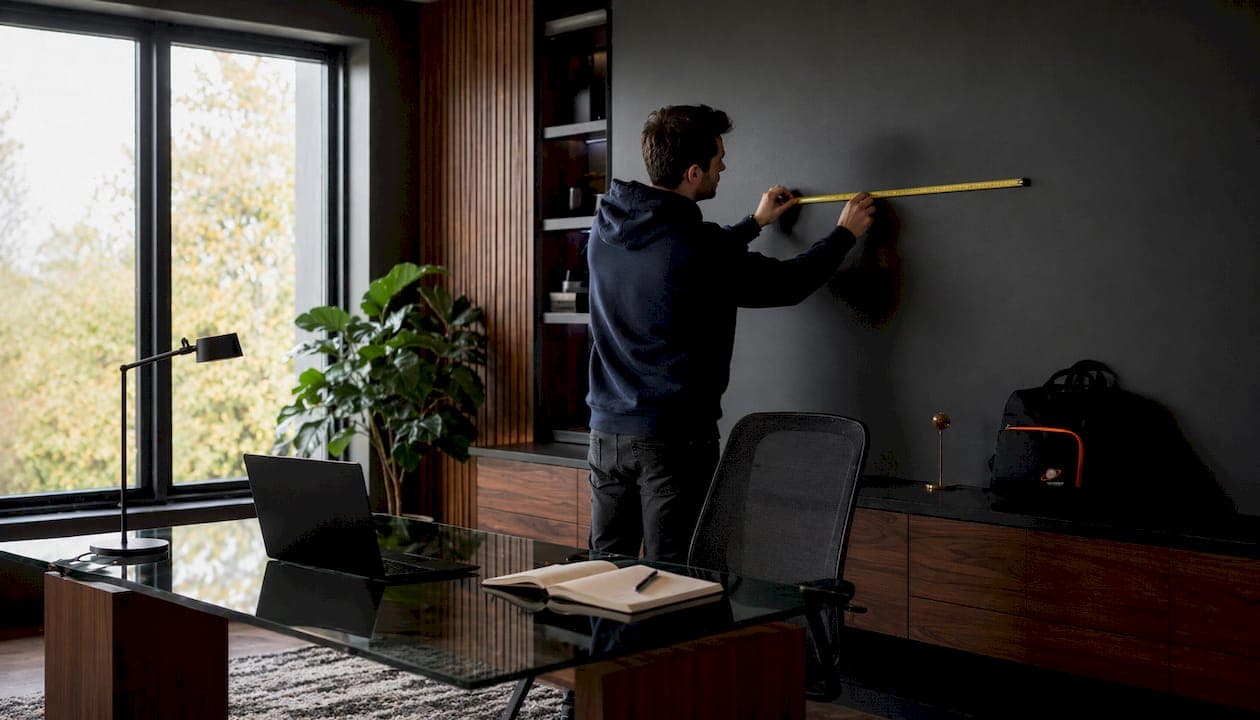
TV mounting height is defined as the vertical position on your wall where the centre of your TV screen aligns with your seated eye level. Get this wrong and you will spend every movie night craning your neck upward. The SMPTE and THX viewing standards both identify eye-level alignment as the benchmark for long-term viewing comfort, placing the ideal TV centre at roughly 105 cm (41 inches) from the floor for a standard upright couch position. Most homeowners in Calgary mount their TV too high, and they feel it in their neck and shoulders within an hour.
What is the correct TV mounting height?
The correct TV wall mount height places the centre of your screen at your seated eye level. For most adults sitting upright on a standard sofa, that eye level falls between 36 and 42 inches from the floor. The ideal mounting range for most living rooms is 36–42 inches from the floor to the screen's centre, which lines up with average seated eye levels of 60–66 inches. That range is not a suggestion. It is the position that keeps your neck in a neutral posture throughout a two-hour film.
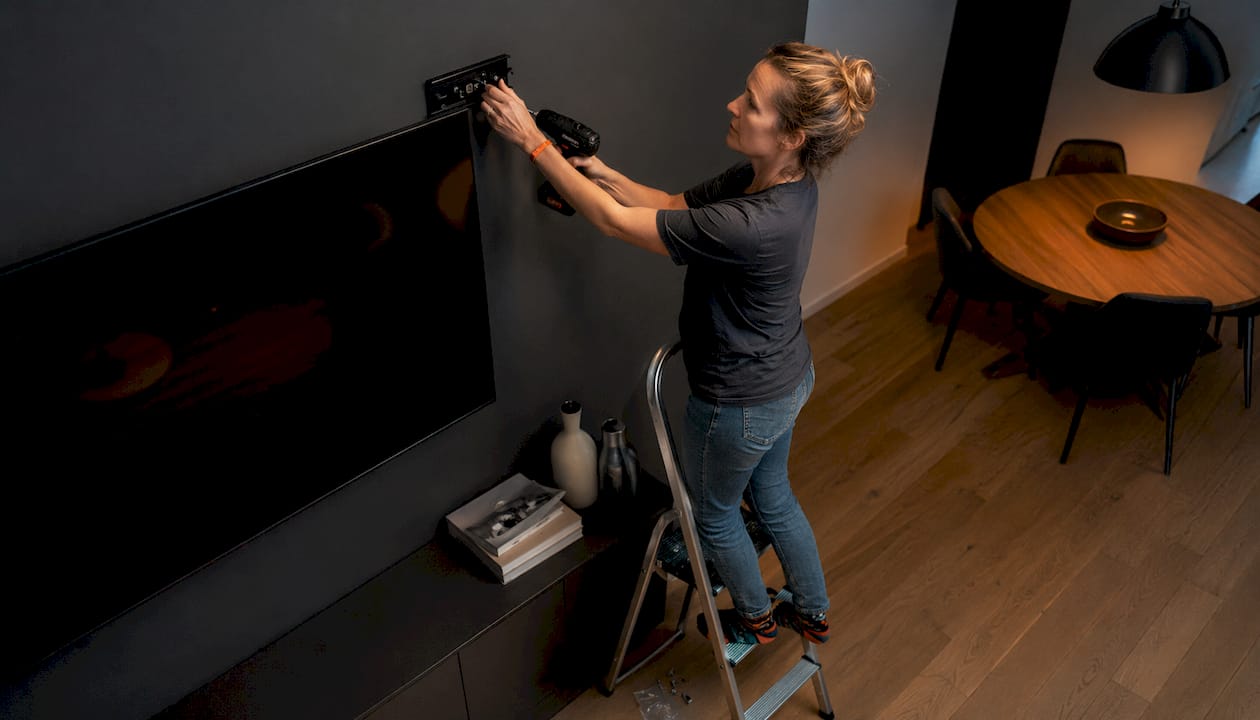
The 105 cm (41 inches) figure comes from SMPTE and THX standards, which were developed for professional screening rooms and adapted for home use. These standards account for the natural downward gaze of a relaxed viewer. A TV mounted at this height feels effortless to watch. One mounted 10–15 cm higher forces a sustained upward tilt that most people do not notice until the discomfort sets in.
How to measure your seated eye level before you drill
Measuring your seated eye level takes five minutes and prevents a permanent mistake. Follow these steps before you touch a drill.
- Sit in your usual viewing position on the sofa or chair you use most often. Sit naturally, not rigidly upright.
- Have someone measure from the floor to your eye level while you are seated. Use a tape measure or a laser level for accuracy.
- Record the measurement in centimetres and inches. This is your target centre point for the TV screen.
- Repeat for every regular viewer in your household. If heights vary significantly, average the measurements.
- Account for your seating posture. If you tend to recline, your eye level drops slightly. If you sit upright, it stays near the standard 41-inch mark.
- Measure the height of your sofa or chair from the floor. Taller furniture raises your seated eye level and shifts the target height upward.
Furniture height matters more than most homeowners expect. A deep sectional sofa sits lower than a firm accent chair, which can shift your target mounting height by 5–8 cm. Always measure from the actual seat you use, not from a standing position.
Pro Tip: Tape a piece of paper to the wall at your measured eye-level height before drilling anything. Sit back down and look at it. Adjust up or down until it feels natural, then mark that spot as your centre point.
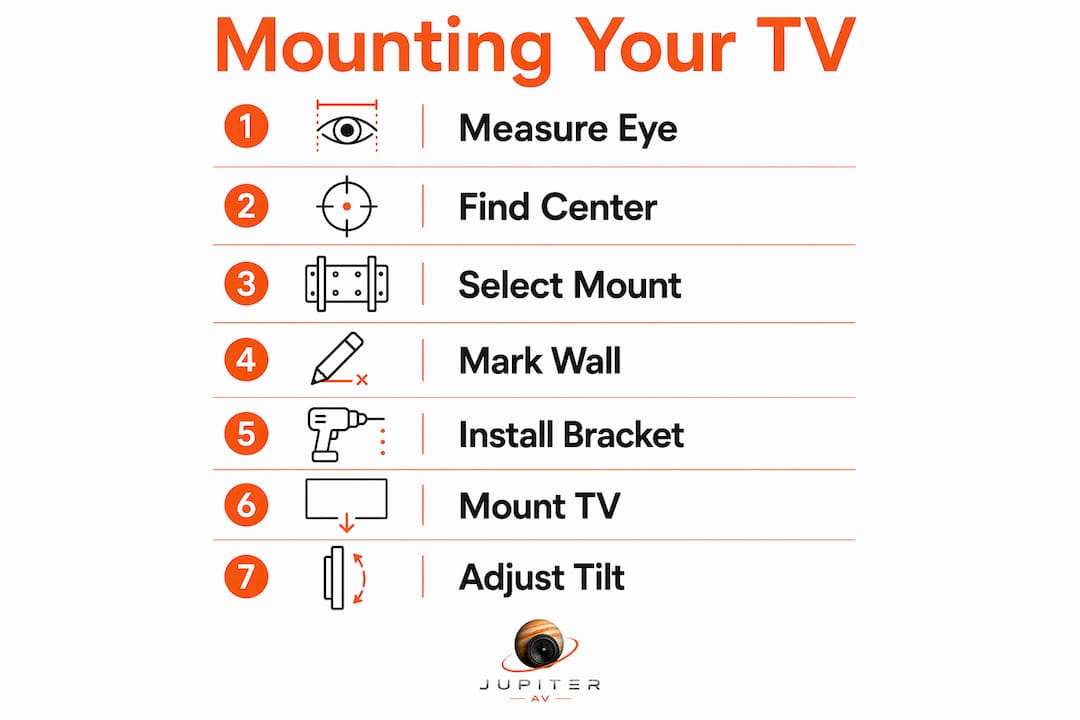
How TV size and viewing distance change the calculation
TV size and viewing distance both affect where the screen's centre should sit on the wall. A larger screen has more vertical real estate, which means its top edge climbs higher even when the centre stays at eye level. The recommended viewing distance is 1.5–2.5 times the TV's diagonal size. For a 55-inch TV, that translates to roughly 7–11 feet between your eyes and the screen.
Here is how those variables interact with your mount height decision:
- Screen size and vertical centre: A 65-inch TV has a taller panel than a 43-inch TV. Even with both centres at 41 inches, the top of the 65-inch screen sits noticeably higher. That is fine as long as the centre stays near eye level.
- Viewing distance and angle: The farther you sit, the less critical a few centimetres of height difference becomes. Closer seating amplifies any vertical misalignment.
- Larger screens and modest height adjustments: Larger TVs may have their centre mounted slightly higher for visual balance in the room, but the eye-level principle still applies as the baseline.
- Tilting mounts for height compromises: When the ideal height is not structurally possible, a tilting wall bracket lets you angle the screen downward by 5–15 degrees. This corrects for a TV mounted slightly above eye level without requiring you to move the bracket.
- Mantel and furniture clearance: If a media console sits below the TV, confirm the bottom edge of the screen clears the top of the furniture by at least 5 cm. This prevents the screen from appearing to float too low.
Pro Tip: Use a TV height calculator online to cross-check your manual measurements. Enter your screen size and seating distance, and the tool will confirm whether your planned centre height falls within the ergonomic range.
Mounting a TV too high is the most common installation mistake professional AV installers encounter. It causes chronic neck and shoulder discomfort that builds over weeks of viewing. The fix costs nothing at the planning stage and everything after the holes are drilled.
Step-by-step process for mounting your TV at the right height
A correct installation starts with preparation, not with a drill. Work through this sequence and you will avoid the mistakes that send homeowners back to the hardware store.
- Gather your tools. You need a stud finder, a tape measure, a pencil, a level (laser or bubble), a drill, the correct drill bits for your wall type, and the mounting bracket hardware.
- Locate your wall studs. Mark two studs that align with the bracket's mounting holes. Most brackets require two studs for a secure hold.
- Calculate your centre height. Take your seated eye-level measurement and mark that point on the wall with a pencil.
- Position the bracket. Hold the bracket against the wall so its centre aligns with your pencil mark. Use a level to confirm it is perfectly horizontal.
- Mark the drill points. Use a pencil to mark every hole through the bracket before removing it from the wall.
- Tape a cardboard template first. Cut a piece of cardboard to the TV's dimensions and tape it to the wall at your planned position. Sit down and look at it for two minutes. Adjust if anything feels off.
- Drill and mount the bracket. Drill pilot holes, insert wall anchors if needed, and secure the bracket with the provided hardware.
- Attach the TV to the bracket. Have a second person hold the TV while you secure the mounting arms. Never attempt this alone with a large screen.
- Confirm the final position. Sit in your viewing spot and check the angle. A tilting bracket lets you make small vertical corrections at this stage.
Pro Tip: Ask a household member to stand beside the wall and hold a tape measure at your target height while you sit in your viewing spot. Their visual confirmation from your sightline is more reliable than measuring alone.
The most common ergonomic error in TV placement is mounting the screen too high. Professionals who install dozens of TVs per month identify this as the single largest source of post-installation complaints. Prioritise a neutral neck position over aesthetics every time.
Common challenges and how to solve them
Not every living room gives you a clean wall at the perfect height. Calgary homes often have fireplaces, built-in shelving, or open-concept layouts that complicate the ideal placement.
- Mounting above a fireplace: This position almost always places the TV too high for comfortable viewing. A tilting bracket brings the screen back to a comfortable angle by directing it downward toward your sightline. A full-motion arm mount gives you even more flexibility, letting you pull the screen forward and angle it down significantly.
- Bedroom setups: Viewers in bed typically recline or lie flat, which raises the natural eye line compared to sitting upright. Bedroom mounting height can sit 2–4 inches higher than a living room installation to match this posture. A tilting mount is especially useful here since the optimal angle changes depending on how upright you are sitting.
- Multiple seating positions: Open-plan rooms with sofas at different distances and angles benefit from a full-motion mount. These brackets extend, swivel, and tilt, letting you redirect the screen toward whoever is watching.
- Low ceilings or small rooms: When wall space is limited, a lower mount height combined with a slight upward tilt on the bracket can work. This is less common but useful in basement media rooms with dropped ceilings.
Pro Tip: If you are mounting above a fireplace and cannot avoid it, choose a mount with at least 15 degrees of downward tilt. Anything less will not correct the viewing angle enough to prevent neck strain.
Key takeaways
The single most important rule in TV placement is this: mount the centre of your screen at your measured seated eye level, and adjust from there based on screen size, seating distance, and room constraints.
| Point | Details |
|---|---|
| Eye-level alignment | Mount the TV centre at 36–42 inches from the floor to match seated eye level. |
| Measure before drilling | Sit in your actual viewing spot and measure your eye height before marking the wall. |
| Screen size affects top edge | Larger TVs have higher top edges even when the centre stays at eye level. |
| Tilting mounts solve compromises | Use a tilting bracket when the ideal height is blocked by a fireplace or structural constraint. |
| Bedroom height differs | Reclined viewing posture requires the screen to sit 2–4 inches higher than a living room setup. |
Why comfort should always win over aesthetics
At JupiterAV, we have seen the same mistake repeated in beautifully designed living rooms across Calgary. The TV is centred perfectly on the wall, framed like a piece of art, and mounted at a height that looks stunning in a photo. Then the homeowner sits down and spends the next three years looking up at a 15-degree angle.
The instinct to centre the TV visually on the wall is understandable. A large blank wall invites you to split it in half and hang something in the middle. But the middle of a wall is almost never the right height for a TV. Most walls run 8–9 feet high. The visual centre of that wall sits at 48–54 inches from the floor, which is well above the ergonomic target of 36–42 inches.
The fix is simple but requires a deliberate choice. Measure your eye level first. Then decide where the TV goes. If the result looks lower than you expected, trust the measurement. A TV at the right height disappears into the viewing experience. A TV at the wrong height reminds you it is there every time your neck tightens up.
One more thing: involve everyone in your household before you drill. A partner who is 5 inches shorter than you has a meaningfully different seated eye level. Average your measurements, or pick a height that works for the person who watches the most. The goal is a screen that feels invisible, not one that looks impressive in a listing photo.
— JupiterAV
TV mounting done right with JupiterAV
Getting the height right is only half the job. The bracket type, wall material, stud placement, and cable management all determine whether the final result looks clean and holds safely for years.

JupiterAV installs TVs in homes, condos, and new builds across Calgary. The team handles everything from bracket selection and stud location to cable concealment and final angle adjustment. Whether you have a straightforward living room wall or a challenging fireplace surround, JupiterAV brings the tools and experience to get the position right the first time. Visit jupiterav.ca to book an installation or ask about the full range of TV mounting and smart home solutions available.
FAQ
What height should the centre of my TV be at?
The centre of your TV screen should sit at 36–42 inches from the floor for most living room setups. This aligns with the average seated eye level and follows SMPTE and THX viewing standards.
How high should I mount a 65-inch TV?
Mount the centre of a 65-inch TV at your measured seated eye level, typically around 41 inches from the floor. The top of the screen will sit higher, but the centre stays at the ergonomic target.
Can I mount my TV above the fireplace?
You can, but the position usually places the screen too high for comfortable viewing. Use a tilting bracket with at least 15 degrees of downward adjustment to bring the screen back toward your sightline.
Does bedroom TV height differ from the living room?
Yes. Bedroom viewing often happens while reclining, which raises your natural eye line. Mount the bedroom TV 2–4 inches higher than you would in a living room to match that posture.
What is the most common TV mounting mistake?
Mounting the TV too high is the most common error. Professional AV installers identify it as the leading cause of neck and shoulder discomfort after installation.