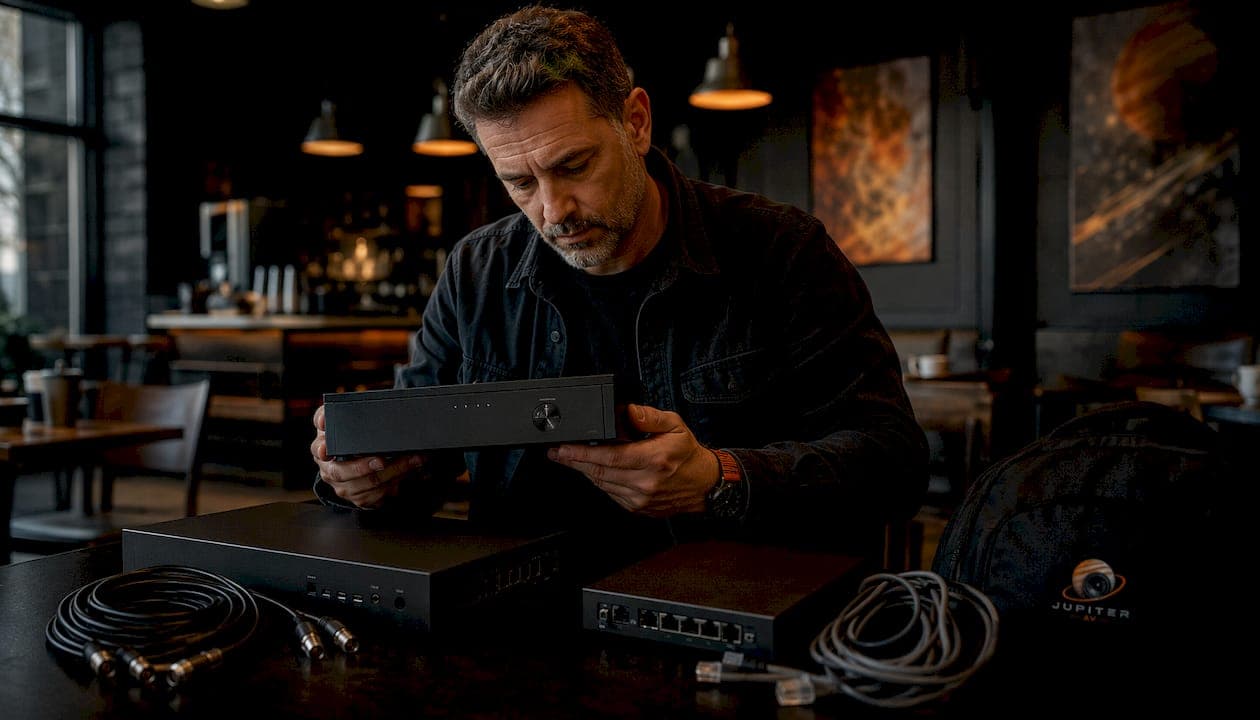
For most new installs in Alberta, an NVR is the better choice. It supports higher resolutions, runs on a single Ethernet cable per camera, and scales without rewiring. DVR systems still make sense when you have existing coaxial cabling and a tight budget, but for anything built from scratch, the IP/NVR path wins on almost every measure.
Quick deciding factors:
- Existing coax wiring? DVR can reuse it and save real money upfront.
- Want 4K or AI detection? NVR is the only practical path.
- New build or renovation? Run Cat6 and go NVR from day one.
- Very tight budget, basic monitoring only? A DVR kit may be all you need.
Brands like Swann offer entry-level kits in both formats, while Hanwha's IP camera line represents the kind of professional-grade NVR hardware that JupiterAV installs for homes and businesses across Calgary and Alberta.
Table of Contents
- How NVR and DVR actually work — and why it matters
- DVR: when it still makes sense for retrofit sites
- NVR: pros, cons and why it's the future-proof choice
- Cabling and power: coax vs Ethernet, hybrids, and migration options
- Image quality, compression and analytics: what NVRs enable
- Installation, timeline and expected costs in Canada
- Network and cybersecurity considerations for NVR/IP systems
- How to tell if your existing recorder is a DVR or NVR
- Decision checklist: which system fits your site?
- Key takeaways
- An installer's honest take on what actually matters on site
- JupiterAV security camera installation in Calgary and Alberta
- Sources and further reading
How NVR and DVR actually work — and why it matters
The single biggest technical difference between the two systems is where video gets encoded. In a DVR setup, analog cameras send a raw signal over coaxial cable to the recorder, which does all the encoding. In an NVR setup, each IP camera encodes its own video on-board and sends a finished digital stream over Ethernet to the recorder, which simply stores and manages it.
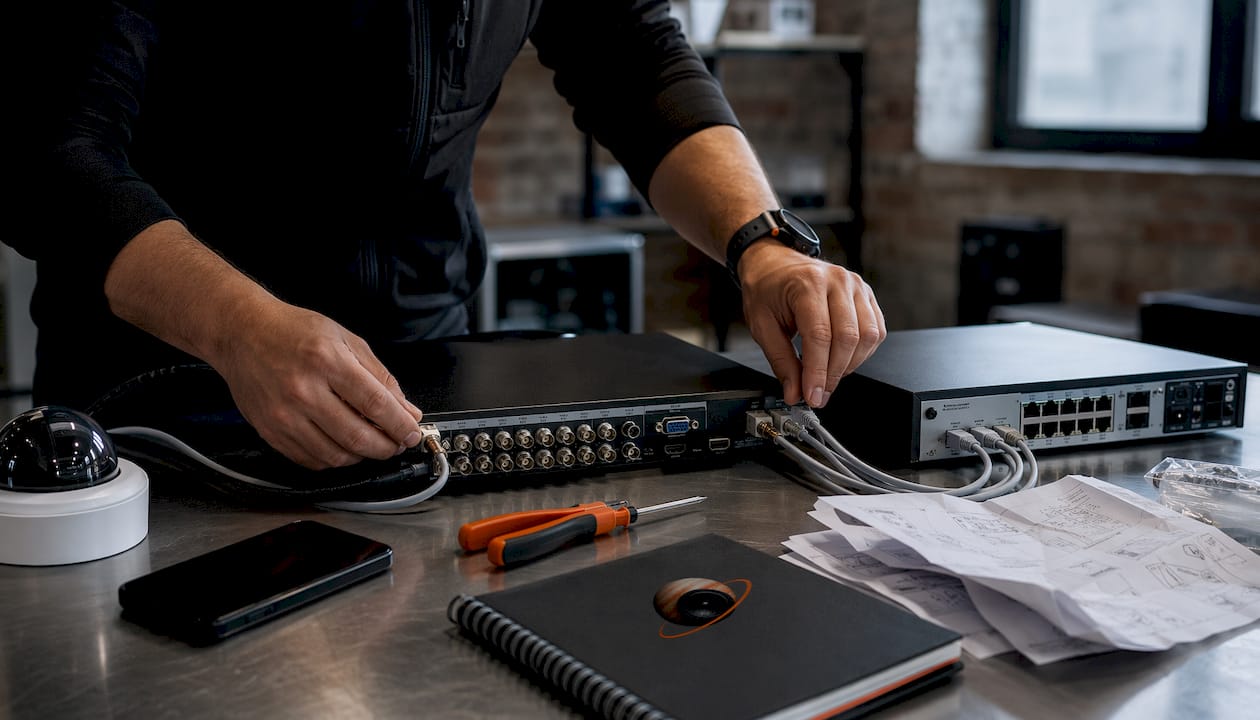
That one architectural difference ripples through everything: cabling, image quality, power delivery, and what features are even possible.
DVR technical profile:
- Analog cameras connect via coaxial cable with BNC connectors
- The recorder handles all encoding (creates a processing bottleneck at scale)
- Power requires a separate line or Siamese cable (video + power bundled)
- Max resolution is capped by the analog standard (TVI, CVI, or AHD)
NVR technical profile:
- IP cameras connect via Cat5e/Cat6 Ethernet, often with PoE (Power over Ethernet)
- Each camera encodes independently, so the recorder handles far less processing load
- A single PoE cable delivers both power and data to the camera
- Resolution is limited only by the camera hardware, not the cable standard
Pro Tip: Before any site assessment, check whether existing cable runs are coaxial or Cat6. That single fact narrows the decision faster than any spec sheet.
DVR: when it still makes sense for retrofit sites
DVR is not obsolete. For the right site, it is the sensible call.
The clearest case for DVR is a building that already has coaxial cable in the walls. Ripping out coax to replace it with Cat6 adds labour cost and disruption that rarely pays off for a basic monitoring setup. DVR systems can run noticeably cheaper upfront at 1080p compared to equivalent IP camera kits, and that gap matters when you are watching a renovation budget.
DVR pros:
- Reuses existing coaxial infrastructure with no rewiring
- Lower upfront camera cost at equivalent 1080p resolution
- Long coax runs (up to roughly 500 m with signal amplification) without Ethernet extenders
- Analog cameras are electrically isolated from the network, which removes one category of cyber risk
DVR cons:
- Resolution ceiling is lower than modern IP cameras
- Analytics beyond basic motion detection are rarely available
- Adding cameras later often means replacing the recorder for more channels
- Separate power wiring adds installation complexity and cost
Real-world DVR candidates: A Calgary strip-mall unit with 16 coax runs already in the ceiling. A warehouse with an older analog system the owner wants to upgrade incrementally. A residential rental property where the landlord wants basic monitoring without a full rewire.
NVR: pros, cons and why it's the future-proof choice
For any new build, renovation, or system that needs to grow, NVR is the right starting point. IP cameras support resolutions from 4K up to 12MP, a ceiling that analog standards simply cannot reach. Beyond resolution, the entire feature set of modern surveillance, including AI detection, licence plate recognition, and two-way audio, lives in the IP/NVR world.
NVR pros:
- 4K and beyond, with no cable-standard ceiling on resolution
- PoE delivers power and data on one Cat6 cable per camera, cutting labour significantly
- AI analytics such as person and vehicle detection are standard on many current IP cameras
- ONVIF compliance means you can mix cameras from different manufacturers without proprietary lock-in
- Easier incremental expansion: add a PoE switch and cameras without touching the recorder
NVR cons:
- Higher upfront hardware cost, especially for quality IP cameras
- Requires basic network infrastructure and IT hygiene (more on that in the cybersecurity section)
- Streaming latency of substantially more than analog DVR, which matters for real-time monitoring at high-security sites
Statistic callout: AI features such as person and vehicle detection are now standard on many new IP cameras, while DVR systems rarely include analytics beyond basic motion detection.
Cabling and power: coax vs Ethernet, hybrids, and migration options
Cabling is where the real-world cost difference lives, and it is worth understanding both systems before committing.
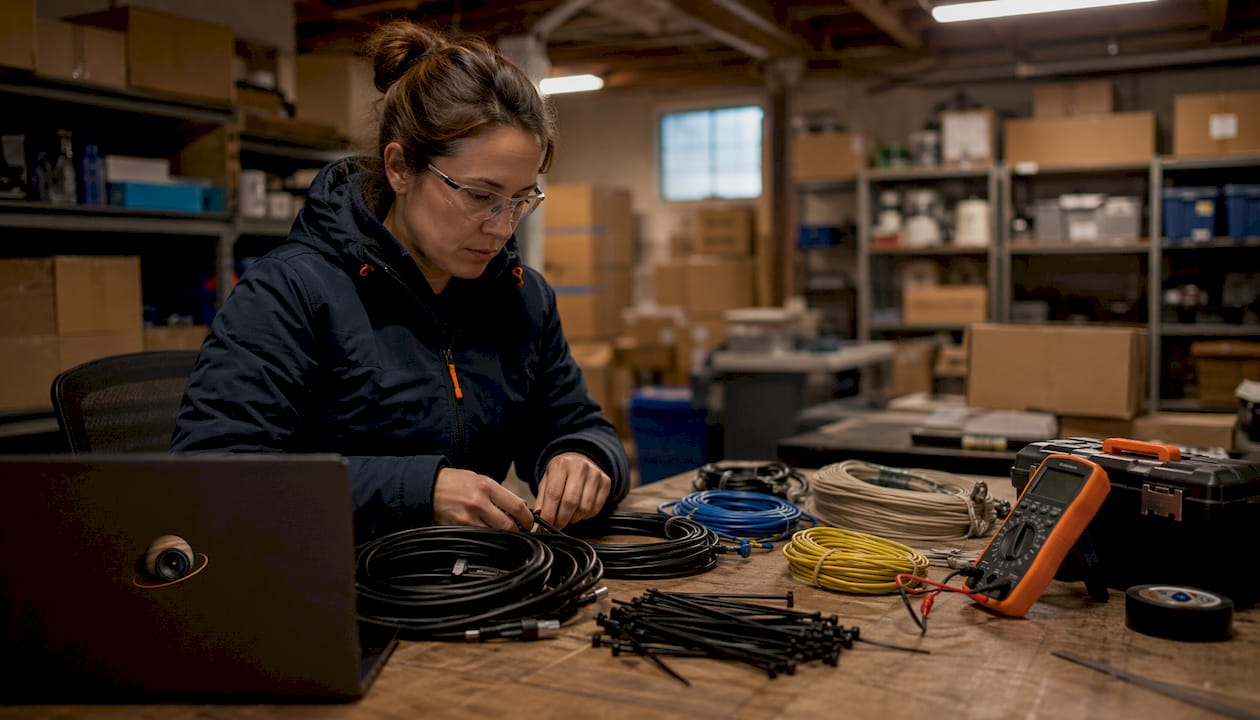
Coaxial/BNC (DVR): Coax cable carries the analog video signal, and a separate power conductor (or Siamese cable bundling both) runs to each camera. Practical run lengths top out around 300–500 m depending on the cable grade and whether you add a signal amplifier. BNC connectors are robust but bulky, and routing coax through tight spaces is noticeably harder than Cat6.
Cat6/PoE (NVR): A single Cat6 cable carries both data and power via PoE, which simplifies every camera run to one cable. The IEEE 802.3af/at PoE standard limits runs to 100 m per segment. For longer distances, mid-span PoE extenders or fibre with media converters are the standard fix. Plan conduit access early; retrofitting conduit through finished walls is where costs spike.
Migration and hybrid options:
- Hybrid recorders accept both analog and IP inputs, letting you keep working coax cameras while adding IP cameras gradually
- Video encoders convert analog camera signals to IP streams, feeding them into an NVR without replacing cameras
- Adding a PoE switch to an existing network lets you expand IP cameras independently of the main recorder
Pro Tip: On a hybrid migration, label every cable run with the camera type and date installed. Mixed systems become a troubleshooting headache two years later when nobody remembers which runs are coax and which are Cat6.
Image quality, compression and analytics: what NVRs enable
The capability gap between NVR and DVR is widest here, and it is not close.
NVRs support 4K and above because the resolution limit sits in the camera hardware, not the cable. DVR analog standards top out at 4K TVI/CVI/AHD, but most budget analog cameras ship at 1080p in practice. The more meaningful gap is in compression and analytics.
Codecs and storage: Modern IP cameras use H.265 compression, which cuts file size roughly in half compared to H.264 at equivalent quality. That translates directly into either longer retention on the same storage, or lower storage cost for the same retention window. DVR systems often use older compression standards, which means more storage consumed per hour of footage.
Analytics available on NVR/IP systems:
- Person and vehicle detection (filters out irrelevant motion alerts)
- Licence plate recognition (LPR) for parking lots and gated entries
- Line-crossing and zone intrusion detection
- Facial recognition on higher-end platforms
- Heat mapping and occupancy counting for retail or commercial spaces
DVR systems can do basic motion detection, and some newer analog recorders add rudimentary smart detection, but the processing happens at the recorder rather than at the camera, which limits accuracy and speed.
Statistic callout: ONVIF-compliant IP cameras improve interoperability across brands and NVRs, but proprietary vendor protocols still create compatibility traps — always confirm ONVIF compliance before mixing brands.
Installation, timeline and expected costs in Canada
Cost estimates for Alberta vary by site complexity, but the ranges below reflect typical residential and small-commercial projects in Calgary and surrounding areas. For a detailed local breakdown, the CCTV installation cost guide for Alberta covers current labour rates and hardware pricing in more depth.
| Cost component | DVR system (estimate) | NVR system (estimate) |
|---|---|---|
| Recorder (4 channel) | $150–$350 | $250–$550 |
| Camera (per unit, installed) | $80–$170 | $120–$280 |
| Cabling/labour (per run) | $60–$115 | $50–$90 |
| PoE switch (if needed) | N/A | $80–$190 |
| Total (4-camera system) | $700–$1,400 | $1,000–$2,000 |
Estimates are for supply and installation; permit requirements vary by municipality and building type.
Total cost of ownership often favours NVR over a five-year window because incremental upgrades are cheaper and maintenance is simpler. The upfront gap narrows considerably when you factor in the labour saved by PoE single-cable runs versus Siamese coax.
Pro Tip: Phase the install. Put in the recorder and cabling infrastructure in year one, then add cameras as budget allows. PoE NVR systems handle this cleanly; DVR systems are harder to expand without replacing the recorder.
Network and cybersecurity considerations for NVR/IP systems
Connecting cameras to a network is what makes remote viewing and AI analytics possible. It also means those cameras are, in principle, reachable from the internet if you configure them carelessly.
The good news is that basic hygiene covers most of the risk. NVR deployments need straightforward IT practices because network connectivity expands the attack surface, but simple measures reduce that risk significantly.
Top five steps for any NVR install:
- Change default passwords on every camera and the recorder before the system goes live.
- Segment cameras onto a dedicated VLAN so a compromised camera cannot reach the rest of the network.
- Enable automatic firmware updates or schedule quarterly manual updates for cameras and the recorder.
- Disable UPnP on the router; it can expose ports automatically without your knowledge.
- Use MFA on any cloud portal used for remote viewing.
Remote access via a manufacturer's cloud relay is convenient and generally secure when the vendor is reputable. Self-hosted port forwarding is riskier and should be avoided unless you have IT support managing it. For critical footage, hybrid cloud backup (local storage plus encrypted cloud for key clips) balances cost and redundancy.
Pro Tip: At handover, give the client a one-page document listing the recorder IP, camera IPs, VLAN ID, firmware version, and cloud portal login steps. A system nobody can administer six months later is a liability.
How to tell if your existing recorder is a DVR or NVR
You can identify the recorder type in under two minutes without touching an invoice.
- Check the back panel connectors. BNC connectors indicate a DVR; RJ45 Ethernet ports indicate an NVR. This is the fastest and most reliable check.
- Trace a camera cable. Coaxial cable with a BNC connector at the camera end confirms analog/DVR. An Ethernet cable with an RJ45 connector confirms IP/NVR.
- Read the camera label. Look for "IP," "PoE," or a model number containing "IPC" for IP cameras. Analog cameras typically show "AHD," "TVI," or "CVI" on the label.
- Check for PoE ports. If the recorder or a connected switch has ports labelled "PoE," the system is NVR-based.
- Open the recorder interface. An NVR will show network/IP settings for each camera channel; a DVR will show channel inputs without IP addresses.
Knowing the recorder type tells you immediately whether you can add IP cameras, whether existing cabling is reusable, and what the migration path looks like.
Decision checklist: which system fits your site?
The core rule: if you have coaxial cable and no plans to expand beyond basic monitoring, lean DVR. For everything else, lean NVR.
Work through these questions before calling an installer:
- Do you have existing coaxial cable runs? Yes → DVR is viable. No → go NVR.
- Do you need 4K resolution or AI detection? Yes → NVR only.
- How many cameras do you plan to add in the next three years? More than four → NVR scales more cleanly.
- What is your total budget? Under $1,000 for a basic four-camera setup → DVR kit may fit. More → NVR delivers better long-term value.
- Are any camera runs longer than 100 m? Yes → plan for PoE extenders or coax (DVR), or fibre (NVR).
- Do you need real-time monitoring with minimal latency? Yes → DVR's 30–80 ms analog latency beats NVR's 100–300 ms for that specific use case.
- Is the site on a managed network with IT support? Yes → NVR cybersecurity is straightforward. No IT support → keep the setup simple and follow the hardening steps above.
Red flags that warrant a professional assessment:
- Mixed legacy gear (some analog, some IP cameras already on site)
- Network infrastructure that cannot support a dedicated camera VLAN
- Legal or privacy obligations (commercial tenants, strata/condo rules, PIPEDA compliance for businesses)
- Camera runs through conduit you cannot access without major disruption
JupiterAV handles all of these scenarios regularly in Calgary and across Alberta.
Key takeaways
NVR is the right default for new installs in Alberta; DVR remains a practical choice only when existing coaxial infrastructure makes rewiring impractical or cost-prohibitive.
| Point | Details |
|---|---|
| NVR for new builds | IP cameras with PoE, 4K resolution, and AI analytics make NVR the clear choice for any new installation. |
| DVR for coax retrofits | Reusing existing coaxial cable saves labour and keeps upfront costs noticeably lower at 1080p. |
| Cabling drives the decision | Check back-panel connectors and cable type before committing to either system. |
| Cybersecurity matters for NVR | Change default passwords, segment cameras on a VLAN, and disable UPnP before the system goes live. |
| JupiterAV for local installs | JupiterAV provides on-site assessments, supply, and installation for both NVR and DVR projects across Calgary and Alberta. |
An installer's honest take on what actually matters on site
Every assessment starts the same way: walk the building before touching a spec sheet. The cable routes, the power availability at each mounting location, the network backbone quality, and the physical mounting points tell you more about the right system than any comparison chart.
The most common surprise on retrofit jobs in Calgary is coaxial cable that looks fine but has been spliced, kinked, or run too close to electrical conduit. Signal degradation on a bad coax run will undermine even a well-specified DVR system. The second most common surprise is a network switch that has no spare capacity or no VLAN support, which complicates an NVR install considerably.
Staged upgrades are genuinely useful as a cost-control strategy, not just a sales tactic. Installing the recorder and all the cabling infrastructure in the first phase, then adding cameras as budget allows, means the disruptive work happens once. It also lets the client see the system working before committing to the full camera count.
JupiterAV security camera installation in Calgary and Alberta
Choosing between NVR and DVR is straightforward once someone has walked your site. JupiterAV provides on-site assessments for homes and businesses across Calgary and Alberta, handling everything from the initial cable survey through to supply, installation, and configuration of both NVR and DVR systems. Whether you are starting from scratch with a new build or upgrading a legacy analog setup, the assessment identifies the right path before any hardware is purchased.

Hanwha IP cameras, Swann entry-level kits, and custom multi-site NVR configurations are all part of what JupiterAV installs regularly. The site visit is the starting point: it confirms cabling routes, network readiness, and camera placement before a quote is written. Request a site assessment or get a quote at jupiterav.ca and get a clear, fixed-price proposal for your project.
Sources and further reading
Research and industry references used in this article:
- DVR vs NVR Security Systems: Which Is Right for You? — technical architecture, resolution standards, and latency figures
- NVR vs DVR: Which Security Camera System is Better? (Avigilon) — upfront cost comparison and retrofit guidance
- DVR vs. NVR: What's the Difference and Which Is Better? (CCTV Camera World) — physical identification checks and connector types
- NVR vs. DVR: Key Differences and How to Choose (Lumana) — hybrid recorders and ONVIF interoperability
- DVR vs. NVR: What's the Difference and Which is Better? (Verkada) — total cost of ownership over five years
- What is an NVR? Network Video Recorders Explained (Verkada) — cybersecurity practices and cloud backup guidance
- NVR vs DVR: Choosing Camera Recorders for Your Security (Pelco) — system architecture overview and camera compatibility
JupiterAV local resources:
- CCTV installation cost in Alberta: 2026 guide — current labour and hardware pricing for Alberta installs
- Ring alternatives for Calgary homeowners — retrofit and consumer camera options relevant to DVR/NVR decisions
- JupiterAV main site — service details, portfolio, and quote requests
For local case studies, installer credentials, and client references, contact JupiterAV directly through the site. This article provides general guidance; confirm specific equipment compatibility and local permitting requirements with a qualified installer before purchasing.