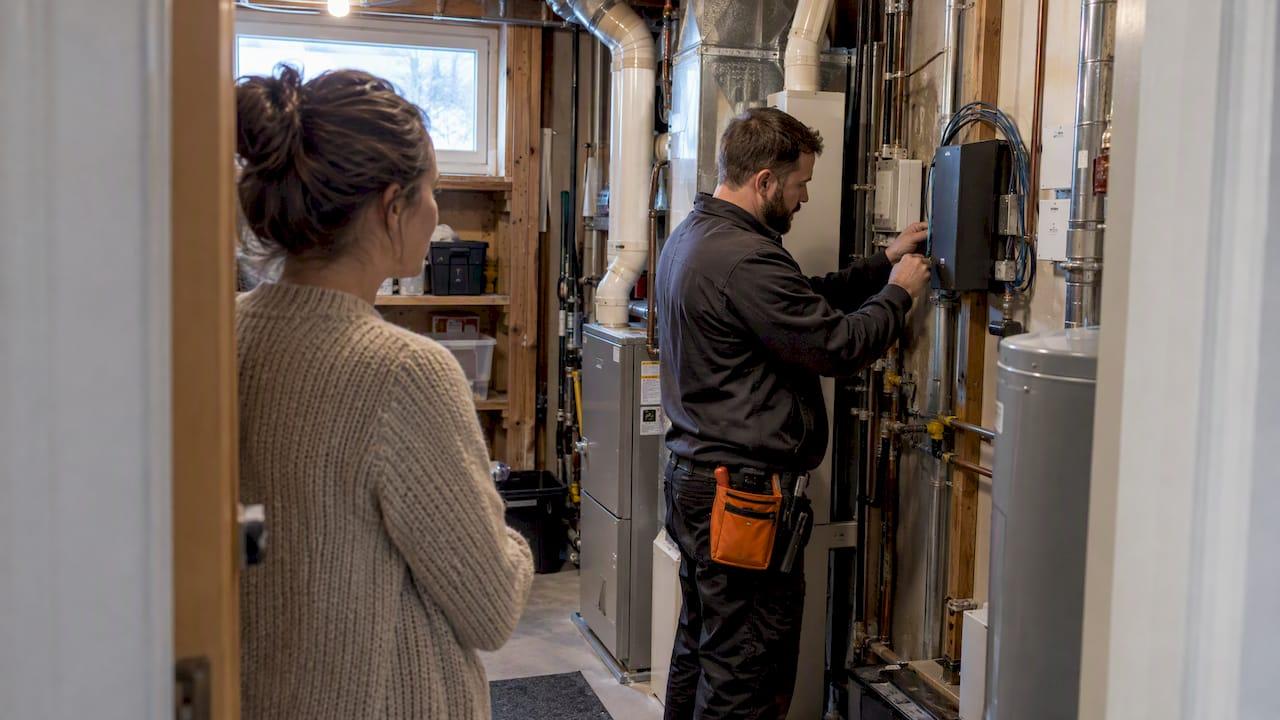
The best approach for most Calgary homeowners is a professional maintenance plan with a local, installer-backed provider rather than a patchwork of DIY fixes. That plan should cover firmware updates, network health checks, and basic electrical safety reviews. If your system already feels unreliable or you have never had a health check, book one before winter tightens its grip on your devices.
TL;DR:
- Smart home maintenance plans should include firmware updates, network health checks, device troubleshooting, and configuration reviews, varying in frequency based on system complexity.
- Electrical work for smart home upgrades requires permits if wiring, circuit changes, or panel upgrades are involved, which must be secured by a licensed electrician in Calgary.
- Homeowners should regularly inspect batteries, sensors, and thermostats before winter, and consider adding a UPS to prevent system outages during power failures.
- Setting a unique strong password for each device, updating router firmware, and disabling unnecessary cloud sharing significantly improve cybersecurity protections.
- Choosing a local, certified installer with clear coverage and response policies is crucial for reliable ongoing support and maintaining system warranties.
Table of Contents
- What smart home maintenance covers: a practical checklist for Calgary houses
- Electrical checklist and City of Calgary permit rules homeowners should expect
- Network, firmware and cybersecurity: what you can do and when to call a pro
- Seasonal and Calgary-specific reliability tips (winter and power considerations)
- How to choose a local maintenance plan or installer in Calgary
- How a local integrator approaches maintenance and what homeowners receive
- What we offer for ongoing smart home support in Calgary
- FAQ
- Sources
What smart home maintenance covers: a practical checklist for Calgary houses
A maintenance plan should do more than restart your router when something breaks. Local Calgary providers typically build plans around software updates, configuration health checks, device troubleshooting, and proactive network monitoring, usually delivered as part of an ongoing support contract tied to the original installation.
A solid maintenance visit covers:
- Firmware and app updates across hubs, locks, cameras, and lighting controllers.
- Configuration checks that confirm automations, scenes, and schedules still trigger correctly.
- Device pairing tests to catch dropped Zigbee or Z-Wave connections before they cause outages.
- Network health reviews covering router performance, mesh node placement, and signal dead zones.
Cadence depends on complexity. Simpler setups may only need annual checks, while more integrated or complex systems benefit from multiple visits per year, possibly quarterly, especially when remote diagnostics are included.
Pro Tip: Ask your installer whether remote monitoring is included before you schedule your first on-site visit; many issues get caught and fixed before you notice anything wrong.
Electrical checklist and City of Calgary permit rules homeowners should expect
Not every smart home upgrade touches your electrical panel, but enough of them do that it pays to know the rules. Under City of Calgary trades and permits guidance, simple switch or dimmer swaps generally don't need a permit, but anything involving new wiring, branch-circuit changes, or panel upgrades does, and that permit has to be secured by a certified electrical contractor.
When you're planning electrical work tied to a smart home project, expect this sequence:
- Your installer or electrician assesses whether the work touches wiring, circuits, or your panel.
- If it does, they apply for an ePermit, which the City typically processes within seven calendar days for residential improvements.
- The electrician completes the work and coordinates any required inspection before the system goes live.
- Your installer resumes device configuration once electrical work is signed off.
Common electrical work tied to smart homes includes checking panel capacity before adding multiple hubs or amplifiers, running dedicated circuits for home theatre equipment, and installing structured low-voltage wiring for cameras and access points. A good local installer coordinates directly with your electrician and, where needed, with ENMAX on service capacity questions, so permitting doesn't stall your installation timeline.
Network, firmware and cybersecurity: what you can do and when to call a pro
Some maintenance you can handle yourself. Canadian cybersecurity guidance recommends setting a unique strong password for every connected device, turning off automatic data-sharing features you don't use, and installing firmware updates as soon as they're available rather than waiting.
Homeowner-level steps worth doing on your own:
- Set a separate guest network for visitors and smart devices that don't need access to your main files.
- Review which devices have cloud accounts and disable sharing permissions you don't recognize.
- Check that your router firmware is current, since outdated router software is one of the easiest entry points for an intrusion.
Firmware updates matter more than most homeowners realize. Federal cybersecurity guidance treats timely firmware installation as core protection against intrusion, not an optional refresh.
Some platforms go further than a homeowner can reach. Control4 systems run advanced updates and diagnostics through dealer-authorised software, meaning certain health checks and driver updates require an authorised integrator rather than a DIY attempt. Our guide to Control4 alternatives and dealer access walks through what that split looks like in practice. For deeper network troubleshooting, our networking guide covers mesh placement and signal issues that often masquerade as device failures.

Seasonal and Calgary-specific reliability tips (winter and power considerations)
Calgary winters are hard on batteries, power supplies, and Wi-Fi signal strength alike, so a pre-winter check is worth the hour it takes. Cold snaps and the power blips that come with them can knock a controller offline right when you need your thermostat and locks working.
Before the cold sets in, run through this short list:
- Test battery levels in door locks, window sensors, and detectors; cold weather drains them faster than you'd expect.
- Confirm your thermostat schedule still matches your actual routine, not last spring's settings.
- Check that door and window sensors are still reporting correctly, especially after any renovation work.
- Consider a small UPS for your main controller and router so a short outage doesn't force a full system reboot.
- Verify HVAC integration before heating season starts, confirming that sensor readings match what your thermostat displays.
A quick seasonal pass like this takes less time than troubleshooting a frozen lock at minus twenty.
How to choose a local maintenance plan or installer in Calgary
Picking the right installer matters more than picking the cheapest one, since a bad fit costs you downtime and voided warranties later.
Ask these questions before signing anything:
- What exactly does the maintenance plan cover, and how often will someone check in?
- Is remote monitoring included, or only scheduled on-site visits?
- What's the expected response time if something fails between visits?
- How are software and firmware updates handled, and who's authorized to perform them?
- What happens to the plan if you sell your home or move?
Trust signals worth checking include CEDIA-certified technicians, dealer authorizations for the brands installed in your home, licensed electricians on staff or on call for any panel or wiring work, and proof of insurance. A provider that can't answer these clearly is a provider to avoid.
Before you sign, read the contract for scheduled visit frequency, the software update policy, how your data is handled, and the terms for cancelling or transferring the plan if you move. For a broader sense of what to weigh when comparing hub ecosystems and the maintenance contracts built around them, this overview of comparing smart home hubs is a useful starting point.
Pro Tip: Treat a vague answer about warranty coverage as a red flag; a provider confident in their work will walk you through exactly what's covered and for how long.
Watch for red flags: a technician suggesting they can bypass manufacturer protections to save time, warranty terms that stay vague under direct questioning, or a provider that can't produce documentation from a previous job.
How a local integrator approaches maintenance and what homeowners receive
A typical maintenance visit from a local, dealer-authorised integrator includes a firmware check across your hubs and devices, a quick electrical inspection note if anything looks off near panels or low-voltage wiring, a network sweep for weak signal zones, and documentation left behind so the next visit starts from a clear baseline.
Dealer relationships matter here. Manufacturer-authorised access, the kind Control4 requires for advanced diagnostics, preserves your warranty and keeps updates from accidentally breaking something that was working fine. Our prewire checklist and Sonos troubleshooting guide cover related scenarios in more depth for readers who want the technical detail.
— JupiterAV
What we offer for ongoing smart home support in Calgary
We handle smart home maintenance with one point of contact, discreet work, and systems built to keep running quietly in the background. Our services cover the same ground this checklist walks through, from firmware management and network health checks to electrical coordination for panel or wiring work tied to your system.

Our service categories include Smart, Effortless Living for automation and lighting, Security & CCTV for cameras and monitoring, and Immersive Sound & Cinema for home theatre systems, alongside Commercial AV & Sales for business clients. If your home runs on smart home platforms, we coordinate the dealer-level access those platforms need.
To request a home health check, reach out through our JupiterAV landing page with your controller brand, roughly how many connected devices you have, and whether you've had any recent electrical work done. We'll follow up to schedule an assessment and walk you through what a maintenance plan would look like for your setup.
FAQ
What does a smart home maintenance plan typically include?
A maintenance plan generally covers software and firmware updates, system configuration health checks, device troubleshooting, and proactive network monitoring, all delivered by your original installer as part of an ongoing contract. Visit frequency depends on system complexity, ranging from annual checks to quarterly monitoring for whole-home integrated systems.
Do I need a permit to install smart switches or dimmers in Calgary?
Simple switch or dimmer replacements typically don't require a permit under City of Calgary rules, but new wiring, branch-circuit changes, or panel upgrades do. Any permit required for electrical work must be secured by a certified electrical contractor, and residential ePermits are typically processed within a week or so.
How much does smart home maintenance cost in Calgary?
Published pricing for maintenance plans varies by provider and system complexity, so it's best to request a quote based on your specific setup. We provide assessments through our service page once we know your controller brand and approximate device count.
Why do some smart home systems need an authorized dealer for updates?
Platforms like Control4 use dealer-authorised software for advanced diagnostics and certain firmware updates, meaning homeowners can't perform these tasks themselves without risking warranty issues. An authorised integrator has the tools and training to make these updates safely.
How often should I schedule a smart home health check?
Cadence depends on how complex your system is: a basic setup might only need an annual check, while a whole-home integrated system benefits from quarterly monitoring. Seasonal checks before winter are also worth doing to confirm batteries, sensors, and thermostat schedules are working correctly.
Sources
- Smart Home Automation Installation in Calgary — Calgary Home Comfort
- Trades and permits — City of Calgary
- Communications Security Establishment Canada / Government IoT guidance
- Control4 Smart Home OS release notes (dealer documentation)