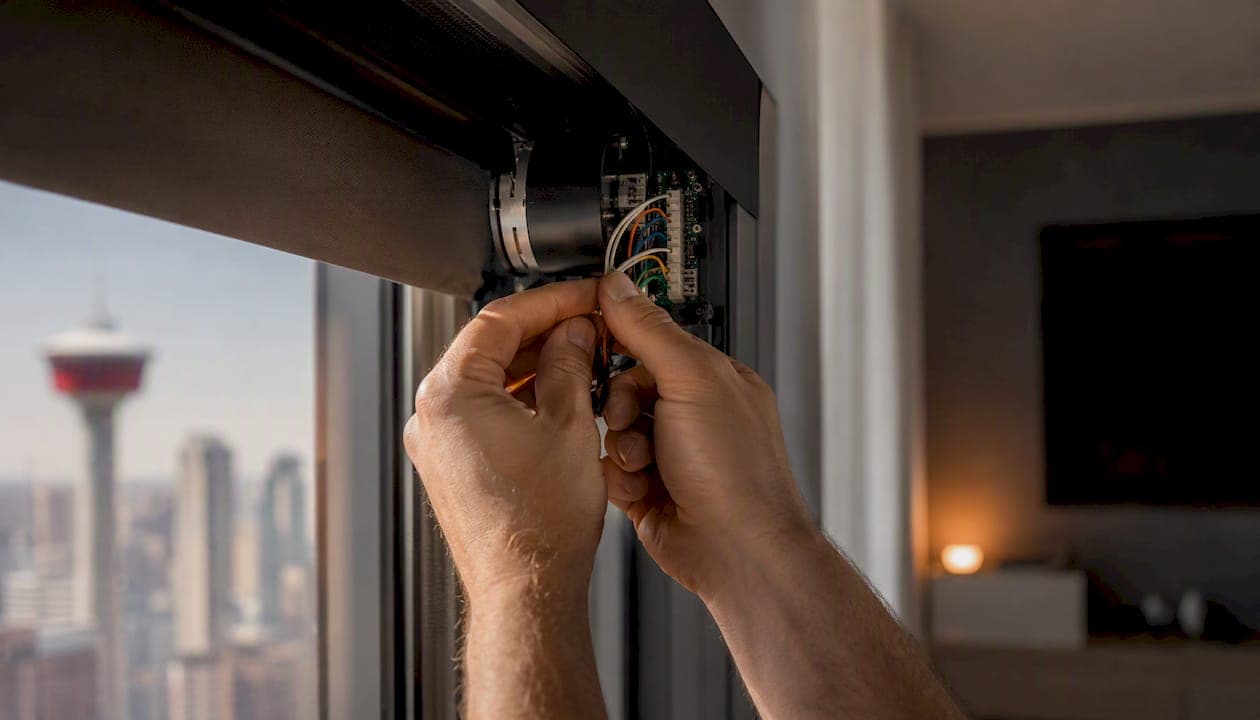
Motorized blinds work with Alexa, and the setup is more straightforward than most homeowners expect. The catch is that not every motorized shade is Alexa-ready out of the box. As Blindsgalore's setup guide explains, a compatible system needs both a motor and smart connectivity, whether that's a dedicated hub, a cloud-based skill, or native Matter support. Without that connectivity layer, the motor is just a motor.
For Canadian homeowners who want reliable whole-home voice control, the recommended route is professional installation. A local integrator selects compatible motors, handles hub configuration, and builds Alexa routines that actually work together. Retrofit kits and off-the-shelf options are real alternatives for a single window or a tight budget, but they trade long-term service and warranty support for lower upfront cost.
Key takeaways
Alexa-compatible motorized blinds work reliably in Canadian homes when the right system is chosen and configured correctly. Professional installation with a local integrator is the most dependable route for whole-home voice control.
| Point | Details |
|---|---|
| Compatibility requires more than a motor | Every Alexa-compatible blind system requires smart connectivity such as a hub, cloud skill, or Matter support. |
| Hub placement determines reliability | Central, line-of-sight bridge placement prevents the latency and unresponsive motor issues most homeowners blame on the product. |
| Power type shapes the long-term experience | Hardwired motors are maintenance-free; battery motors are flexible but require a charging schedule for multi-window installs. |
| Retrofit kits suit single-room or trial use | SwitchBot and similar kits work well for standard windows; custom shades are the right call for whole-home projects and irregular sizes. |
| JupiterAV installs and commissions in Alberta | JupiterAV handles Lutron and Clara motorized blind installs with on-site measurement, Alexa setup, and local warranty support. |
Table of Contents
- Which motorized blinds work with Alexa in Canada?
- How to choose the right Alexa-compatible motorized blinds for your home
- What control methods and power types should you know about?
- How to connect motorized blinds to Alexa in Canada
- Retrofit kits versus custom motorized shades: which route fits your project?
- What does Alexa-compatible motorized blinds cost in Canada?
- Why a local professional integrator makes a difference for Alexa blind projects
- What installers see that homeowners miss
- Ready for reliable voice control? JupiterAV installs it right the first time
- Sources
Which motorized blinds work with Alexa in Canada?
The market breaks into four practical categories. Each has a different profile for cost, reliability, and how much effort you put in after the install.
-
Professional custom motorized shades (recommended): Systems like Lutron and Clara, installed by a certified integrator such as JupiterAV, offer the most reliable Alexa integration. Lutron's RadioRA and Caséta platforms communicate with Alexa natively or via the Lutron Smart Bridge, with no third-party cloud dependency. Clara motorized shades pair with compatible hubs and are sized and fitted on-site. This route costs more upfront, but you get a single point of contact for warranty, service, and troubleshooting in Alberta. For homeowners integrating blinds with lighting, audio, or a Control4 system, this is the only path that avoids compatibility headaches later.
-
Dealer-sold smart shade systems (hub required): Somfy motors, available through Canadian dealers, connect to Alexa via the Somfy TaHoma or Connexoon hub. These are well-built motors with a broad range of fabric and lift options. The hub is required for Alexa voice control, and setup involves enabling the Somfy skill in the Alexa app. Somfy products are available across Canada through authorized dealers and installers.
-
IKEA FYRTUR and KADRILJ (retail, hub required): Available at IKEA Canada stores and online, these battery-powered roller blinds are among the most affordable Alexa-compatible options on the market. IKEA documents that the TRÅDFRI gateway is required to connect FYRTUR and KADRILJ blinds to Amazon Alexa, Apple HomeKit, or Google Assistant. Without the gateway, voice control is not available. These work well for a single room or a rental where custom sizing isn't needed, but they're limited to standard window dimensions and require periodic battery charging.
-
Retrofit motor kits (DIY, hub may be required): Products like SwitchBot's tilt and lift retrofit kits attach to existing blinds and add motorization without replacing the shade itself. CNET's smart blinds review notes SwitchBot as a practical retrofit option for basic tilt control. These kits are available on Amazon Canada and at major retailers. Alexa compatibility varies by kit model, and some require a SwitchBot Hub for voice control. They're best for standard horizontal blinds where you want tilt control without a full replacement.
Wirecutter's tested recommendations consistently highlight reliability, quiet motors, and clear platform compatibility as the factors that separate a good smart shade from a frustrating one. That's worth keeping in mind when comparing retail options.
Local installers matter for more than just the install itself. Sizing errors, warranty claims, and firmware issues are far easier to resolve when there's a local service contact rather than a manufacturer's overseas support line.
How to choose the right Alexa-compatible motorized blinds for your home
The decision framework comes down to six criteria. Get these right and the rest of the project follows.
Alexa compatibility method. Ask whether the system uses a native Alexa skill, a hub or bridge, or Matter. Native and Matter connections tend to be more stable and less dependent on a third-party cloud. Hub-based systems work well but add a device to manage and a potential point of failure.
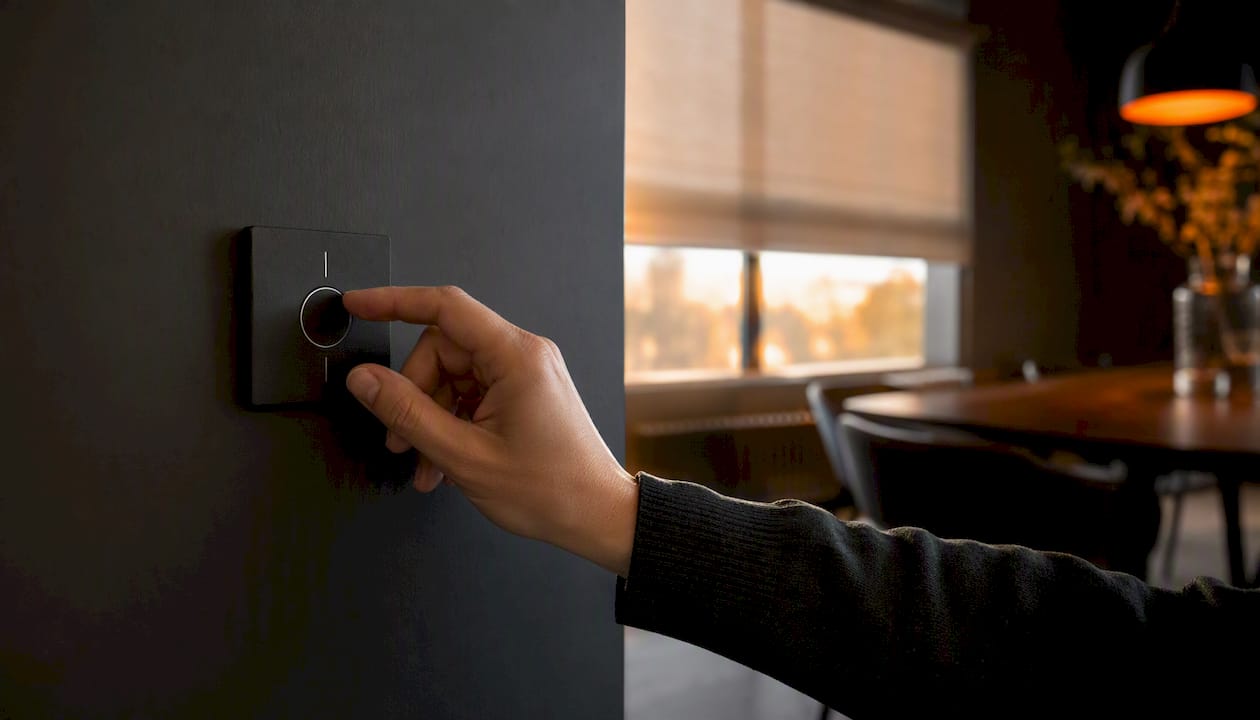
Power type. Battery-powered motors are easiest to install but require recharging every few months depending on use. Hardwired motors are maintenance-free but need an electrician or low-voltage wiring specialist. Solar-powered options sit in between, though they depend on consistent light exposure.
Noise level. A motor that hums audibly in a bedroom or home theatre is a problem. Wirecutter's tests reward quiet operation as a top selection factor. Ask for a demo or check independent reviews before committing.
Insulating value and fabric. The shade fabric affects energy performance as much as the motor does. Blackout fabrics block heat and light; light-filtering options diffuse without darkening. A guide to blackout versus light-filtering shades can help you match fabric to room use before you finalize a product.
Warranty and Canadian service. A warranty that requires shipping product to a U.S. address or dealing with an international support centre is not the same as a local warranty. Ask specifically whether the Canadian retailer or installer handles warranty claims directly.
Integration with your existing smart home. If you already have Control4, Lutron Caséta lighting, or a Sonos audio system, your motorized shades should integrate cleanly. Mismatched ecosystems create friction in routines and automation.
Questions to ask before you buy
- What exact Alexa workflow does this system use, and does it require a hub or bridge?
- Which hub or bridge model is required, and is it sold and supported in Canada?
- What are the return and warranty terms, and who handles claims locally?
- Does the installer measure on-site, and is there a fit guarantee?
- What is the battery life, and how is the motor recharged?
Red flags to watch for
- Vague compatibility claims ("works with most smart home systems") with no specific Alexa skill or Matter certification listed.
- No Canadian service address or local contact for warranty claims.
- No on-site measurement offered for custom shades.
- Third-party hubs with poor or outdated documentation.
- Unclear warranty transferability if you sell your home.
Trust signals to request: an official Works with Alexa badge or Matter certification, a documented Canadian warranty with a local service contact, and the option to test or demo the system before full installation.
What control methods and power types should you know about?
Hub vs native Alexa support
Most motorized blind systems connect to Alexa through one of four methods. A cloud skill routes commands through the manufacturer's server and back to the hub. It works well but depends on the manufacturer's cloud staying online. A local skill processes commands on the hub itself, which is faster and more reliable during internet outages. Matter is the newest standard: it runs locally over Wi-Fi or Thread and doesn't require a proprietary hub at all. Bluetooth with a bridge is common in retail products like IKEA's TRÅDFRI line, where a small gateway translates Bluetooth signals into Wi-Fi commands Alexa can reach.
Thread certification is worth checking when evaluating any new smart shade system. Devices with Thread support are better positioned for Matter compatibility, which reduces long-term dependence on proprietary bridges as the ecosystem matures.
Power types compared
| Power type | Alexa compatibility method | Best use case | DIY feasibility | Price shape |
|---|---|---|---|---|
| Battery (rechargeable) | Hub, cloud skill, or Matter | Retrofit, rental, standard windows | High | Lower product cost, no wiring |
| Hardwired (mains or low-voltage) | Hub or native | New builds, large windows, whole-home | Low (requires electrician) | Higher install cost, zero maintenance |
| Solar | Hub or cloud skill | South-facing windows with consistent light | Medium | Mid-range; depends on exposure |
| Low-voltage (DC motor) | Hub or native | Custom shades, integrated AV systems | Low (pro recommended) | Mid-to-high; cleaner finish |
Control options beyond voice
Voice via Alexa is the headline feature, but every reliable system should offer at least one fallback. A vendor app lets you control shades when Wi-Fi is down. An RF remote works without any network connection at all. A local wall switch or scene controller (common in Lutron systems) gives guests and family members a familiar interface. Alexa routines let you tie blinds to sunrise/sunset, a morning alarm, or a "movie time" scene that dims lights and closes shades simultaneously.
One thing to plan for: if your Wi-Fi goes down or the hub loses power, voice control stops working. That's not a flaw unique to any brand; it's how cloud-dependent devices work. A local-processing hub or Matter-native device reduces that exposure.
How to connect motorized blinds to Alexa in Canada
Pre-setup checklist
Before pairing anything, confirm these four things:
- Your blind motor and hub are on the official Works with Alexa compatibility list, or the system supports Matter.
- Your router broadcasts a stable 2.4 GHz Wi-Fi network. Most hubs and bridges pair on 2.4 GHz, not 5 GHz.
- The Alexa app is installed and signed into your Amazon account.
- The hub or bridge is within reasonable range of the blind motors during initial pairing.
Setup steps
- Connect the hub to your network. Plug the hub into power and connect it to your router via ethernet or the manufacturer's app. Follow the hub's own setup guide to confirm it's online.
- Pair the blind motors to the hub. Open the manufacturer's app and add each motor following the in-app instructions. Most motors enter pairing mode by pressing a button on the motor or remote.
- Enable the vendor skill in the Alexa app. Go to More > Skills & Games, search for the manufacturer's skill (e.g., Lutron, Somfy, IKEA), and link your account. For Matter devices, use the Alexa app's "Add Device" flow and select Matter.
- Run device discovery. Say "Alexa, discover devices" or tap the discover button in the Alexa app. Alexa will scan for newly linked devices.
- Name devices clearly and assign rooms. Use names that are easy to say and unambiguous: "living room blinds," "master bedroom shade." Assign each device to the correct room in the Alexa app.
- Create routines and groups. Group blinds in the same room so one command controls all of them. Build routines for common scenarios: open at sunrise, close at sunset, or trigger with a specific phrase.
As Blindsgalore's Alexa overview notes, naming and room assignment are where most voice-control frustrations originate. Vague names like "blind one" or "shade" lead to Alexa responding to the wrong device.
Troubleshooting checklist
- Device not discovered: confirm the skill is enabled and your account is linked; check that the hub is online and the motor is paired to it.
- Unresponsive to voice: power cycle the hub, check for firmware updates in the manufacturer's app, and verify the device name matches what you're saying.
- Slow response: check bridge placement — a bridge tucked behind a TV cabinet or near a microwave will struggle. Move it to a central, open location.
- 5 GHz interference during setup: temporarily disable the 5 GHz band on your router during initial pairing, then re-enable it after the device is connected.
A mesh Wi-Fi system with good 2.4 GHz coverage throughout the home eliminates most of these signal issues before they start.
Retrofit kits versus custom motorized shades: which route fits your project?
What retrofit kits do well
Retrofit motors attach to existing blinds, adding motorization without replacing the shade. SwitchBot's tilt kit, for example, clips onto the tilt rod of a standard horizontal blind and connects to Alexa via the SwitchBot Hub. Installation takes under an hour per window, and the cost per window is significantly lower than a custom replacement. For a single room, a rental property, or a homeowner testing motorized blinds before committing to a full install, a retrofit kit is a sensible starting point.
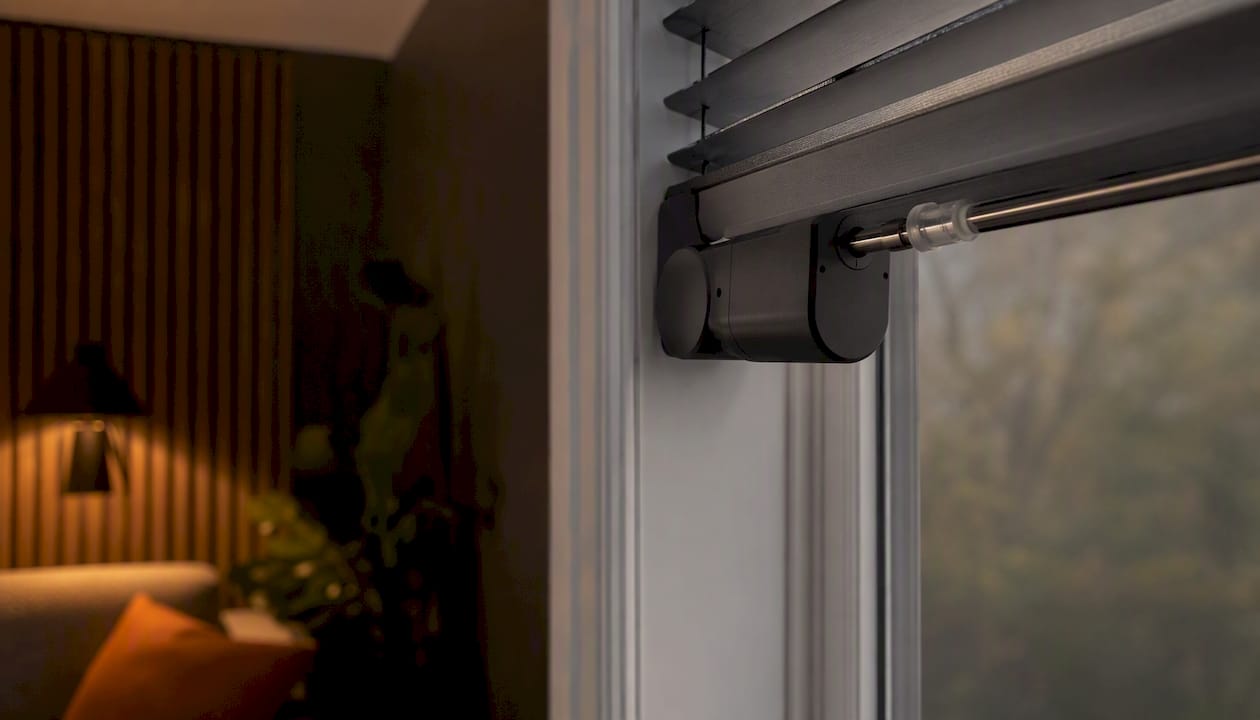
The trade-off is precision. Retrofit kits work best on standard-sized windows with simple lift or tilt mechanisms. They don't address fabric quality, blackout performance, or the clean headrail finish that custom shades provide.
When custom motorized shades make more sense
Custom shades are built to your exact window dimensions, which matters more than it sounds. A shade that's even a centimetre too narrow lets light bleed around the edges, defeating the point of a blackout fabric. Custom shades also accommodate irregular window shapes, extra-large spans, and architectural features that no retail product fits cleanly.
For whole-home projects with multiple rooms, integrated Alexa routines, and hardwired power, custom shades installed by a professional integrator are the practical choice. The installer handles measurement, motor selection, hub configuration, and Alexa routine setup in a single visit, and returns for any adjustments.
When to hire a professional
Hire a pro when any of these apply:
- Windows are irregular, oversized, or require precise blackout coverage.
- You want hardwired power (no battery maintenance, cleaner finish).
- The project involves multiple rooms with coordinated Alexa routines.
- You're integrating blinds with lighting, audio, or a Control4 system.
- You want a single warranty and service contact for the whole project.
Pro Tip: Bridge and hub placement is one of the most overlooked factors in a motorized blind install. A professional site survey tests signal strength at each window location and identifies whether a repeater or alternate bridge position is needed before any product is ordered. Skipping this step is the most common reason for latency and unresponsive motors after installation, as MotionBlinds' support documentation confirms.
For a deeper look at how dealer-installed systems compare to DIY platforms, the Control4 alternatives guide covers the trade-offs in detail.
What does Alexa-compatible motorized blinds cost in Canada?
Cost breaks into four components: the motor and fabric, the hub or bridge, wiring (if hardwired), and professional measurement and installation labour.
Typical price bands:
- Retrofit kit (DIY, single window): $80–$200 CAD per window for the kit, plus $30–$80 for a hub if not already owned. No installation labour.
- Retail motorized shades (IKEA FYRTUR/KADRILJ): $130–$250 CAD per blind depending on size, plus the TRÅDFRI gateway at roughly $40–$60 CAD. Self-installed.
- Dealer-supplied motorized shades (Somfy, professionally installed): $600–$1,500 CAD per window installed, depending on motor type, fabric, and window size. Hub included.
- Custom professional install (Lutron, Clara, whole-home): $1,000–$3,000+ CAD per window for large or complex windows, with volume pricing available for multi-window projects. Includes measurement, fitting, hub configuration, and Alexa commissioning.
What moves a project between bands: window size (larger windows need stronger motors), power type (hardwired adds electrician cost), fabric grade (blackout and solar fabrics cost more than basic light-filtering), and the number of windows (volume installs reduce per-unit cost). A detailed breakdown of motorized blinds costs for Alberta homeowners covers these components with local pricing context.
Installation timeline for custom shades:
- Site survey and measurement: 1–2 hours on-site.
- Production lead time: 3–6 weeks for custom-fabricated shades.
- On-site installation and commissioning: half a day to a full day depending on window count.
- Follow-up fine-tuning: one visit within 30 days to adjust limits and confirm routines.
Ways to reduce cost without sacrificing reliability:
- Group windows in the same room on a single hub rather than buying a hub per room.
- Choose rechargeable battery motors over hardwiring for accessible windows where battery swaps are practical.
- Prioritize motorization for high-use rooms first (living room, primary bedroom) and add other rooms in a second phase.
- Confirm exact window measurements before ordering to avoid costly remakes.
Why a local professional integrator makes a difference for Alexa blind projects
JupiterAV's process for a motorized blind project in Alberta starts with a site survey. That visit covers window measurements, signal testing for hub and bridge placement, and a preliminary product recommendation based on your window types, power options, and existing smart home setup. Nothing is ordered until the measurements are confirmed on-site.
Installation covers motor fitting, hub configuration, low-voltage wiring where required, and full Alexa commissioning: device naming, room assignment, group creation, and routine setup. For homes with existing Lutron Caséta lighting or Control4 systems, JupiterAV integrates the blinds into the same control environment so a single "goodnight" routine closes shades, dims lights, and locks the door.
The practical advantage of a local integrator over a national retailer is accountability. Warranty claims, motor adjustments, and firmware issues are handled by the same team that installed the system, with a local service contact and documented follow-up visits. There's no shipping product to a U.S. warranty centre or waiting on an overseas support queue.
JupiterAV works with Lutron and Clara motorized blind systems, both of which carry documented Canadian warranty coverage and are supported by a network of certified dealers. For homeowners who want a single vendor responsible for AV, lighting, and window coverings, that consolidation is a real operational advantage.
What installers see that homeowners miss
The most common mistake in a DIY Alexa blind setup isn't the wiring or the pairing. It's the naming. Homeowners set up devices quickly and use whatever default name the app suggests, then wonder why Alexa keeps opening the wrong blind. Clear, room-specific names ("kitchen left shade," "office roller") take five minutes to set up and prevent months of frustration.
Hub placement is the second consistent issue. A hub tucked into a media cabinet behind a TV, or placed in a corner near a microwave, will struggle to maintain reliable RF communication with motors across the room. The fix is simple: central placement, line of sight where possible, away from dense metal objects. A site survey catches this before installation, not after.
The third thing worth saying plainly: battery maintenance is real. Rechargeable motors are convenient, but if you have twelve windows on battery power and no reminder system, you'll eventually have a blind that won't respond to Alexa because the motor is flat. Either build a charging schedule into your calendar or choose hardwired motors for high-use rooms and save battery for secondary windows.
Grouping windows logically in the Alexa app, testing every routine before leaving the site, and confirming limit settings on each motor are the three things a professional commissioning visit covers that a self-install often skips.
Ready for reliable voice control? JupiterAV installs it right the first time
Choosing the right system is one decision. Getting it installed, configured, and working reliably with Alexa is another. JupiterAV handles both, from the initial site survey through to Alexa routine commissioning and post-install service in Calgary and across Alberta.

A site survey with JupiterAV includes on-site window measurements, signal testing for hub and bridge placement, and a product recommendation matched to your window types, power options, and existing smart home setup. You leave the visit knowing exactly what the project involves and what it costs, with no guesswork on compatibility.
Book a site survey with JupiterAV to get a confirmed quote and installation timeline. The team will walk you through Lutron and Clara motorized blind options, confirm Alexa integration requirements for your specific setup, and schedule installation at a time that works for you.
Sources
- How to Set Up Alexa Smart Blinds | Complete Setup Guide 2025
- Best Smart Blinds for 2026, Tested and Reviewed - CNET
- The 4 Best Smart Window Shades, Blinds, and Curtains of 2026 | Reviews by Wirecutter
- Motorized Blinds - Automatic Smart Electric Blinds - IKEA
- MotionBlinds Wi‑Fi bridge support and troubleshooting
- What is Thread? Certified products — Thread Group