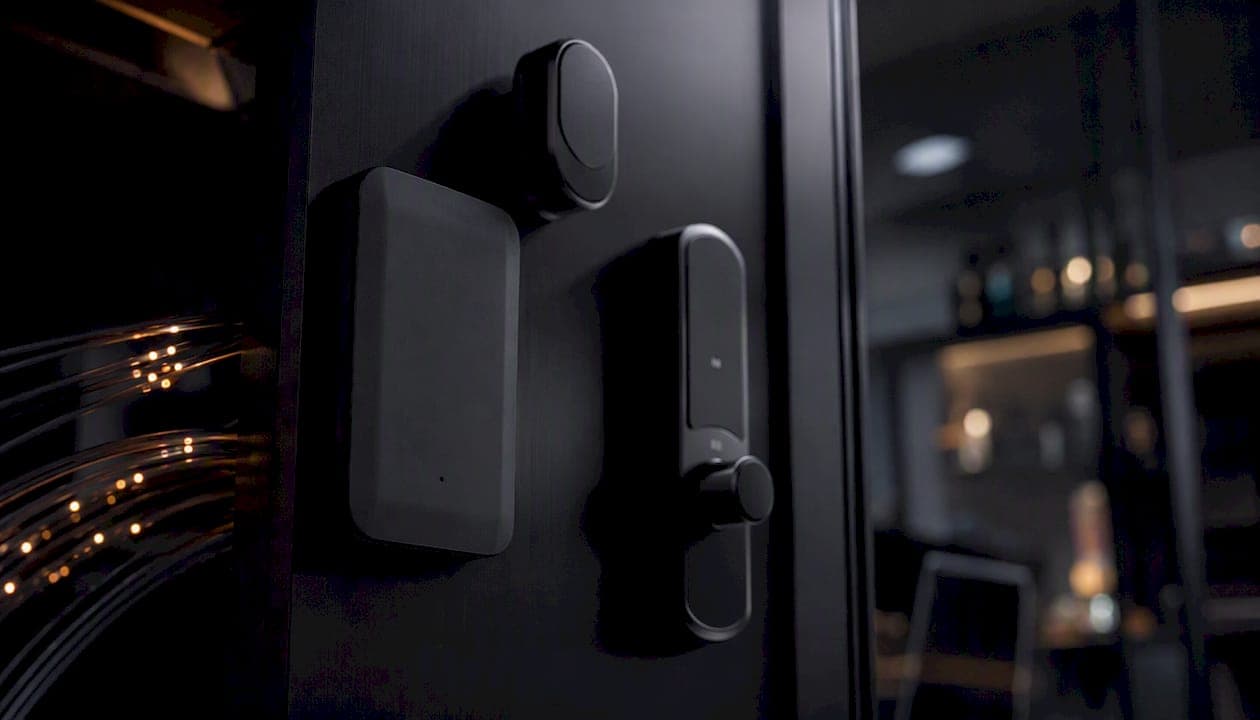
Matter is the language your devices speak to each other. Thread is one of the roads they travel on. Those two sentences cover the core of the matter vs thread question — although the buying implications run deeper than a quick analogy.
Matter is an application and interoperability standard from the Connectivity Standards Alliance. It defines how a door sensor from one brand talks to a bulb from another, regardless of which app or voice assistant you use. Thread is an IPv6-based, low-power mesh network that Matter frequently runs over, though Matter also runs over Wi-Fi and Ethernet. Thread handles the routing; Matter handles the meaning.
Quick breakdown of which devices typically use each:
- Matter over Thread: battery-powered sensors, smart locks, contact sensors, window buttons, many bulbs
- Matter over Wi-Fi: cameras, video doorbells, smart displays, appliances with high bandwidth needs
- Matter over Ethernet: hubs, Border Routers, wired controllers
Pro Tip: You may already own a Thread Border Router. Apple HomePod mini, Apple TV 4K, and several newer mesh routers include Thread radios built in — no extra hardware required.
Table of Contents
- What Thread actually does in your home network
- What Matter is and why it changes what you buy
- How do Matter and Thread compare side by side?
- How Matter and Thread work together in a real Canadian home
- Can you use Matter without Thread?
- How Matter and Thread handle security
- When should you hire a professional installer in Canada?
- Key takeaways
- A Calgary installer's perspective on what actually goes wrong
- JupiterAV installs Matter and Thread systems in Calgary
- Where to read the primary specs and trusted references
What Thread actually does in your home network
Thread is an IPv6 mesh protocol built on the IEEE 802.15.4 radio standard, the same physical layer that Zigbee uses. The critical difference is that Thread is IP-native from the ground up. Every Thread device gets a real IPv6 address, which means it can be addressed directly on your home network without a proprietary gateway translating between protocols.
That IP-native design has a practical payoff: Thread meshes are self-healing. If one device loses power, traffic reroutes through neighbouring nodes automatically. Add more Thread devices and the mesh gets stronger, not weaker. For a two-storey Calgary home with sensors scattered across multiple rooms, that resilience matters more than most buyers realise until they experience a dropped Zigbee node taking half their automations offline.
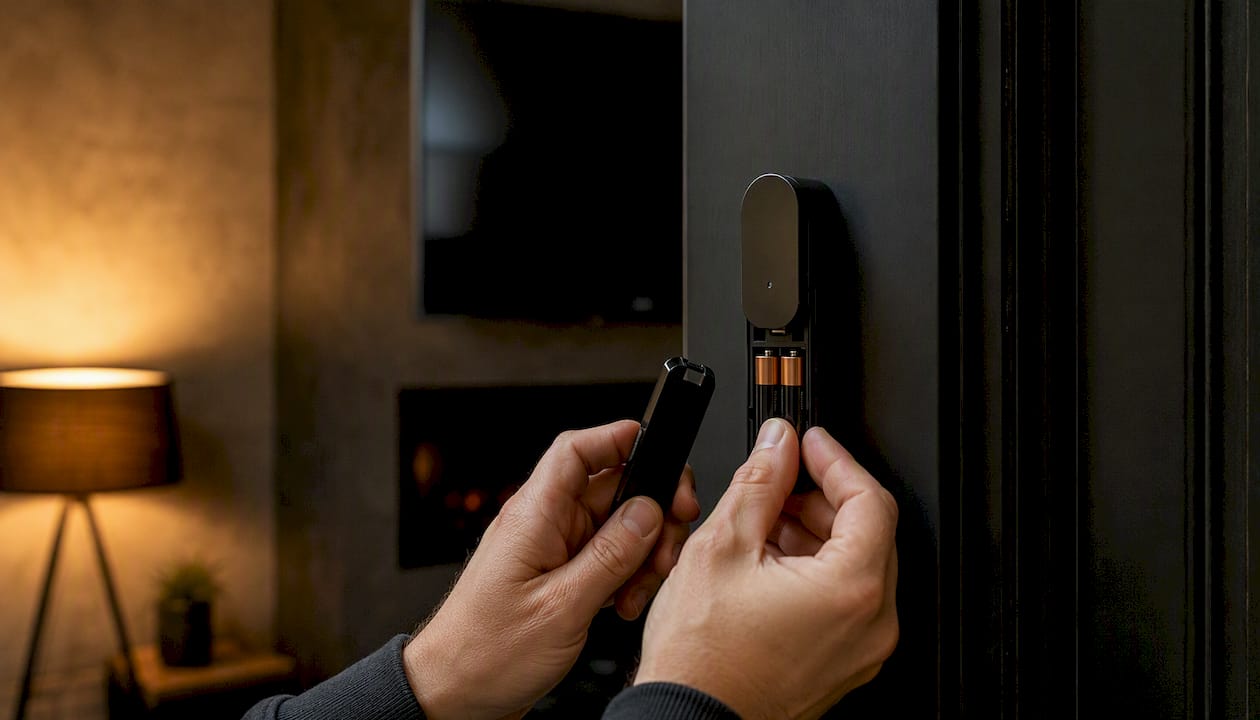
Thread is also optimised for constrained devices. A door sensor running on two AA batteries can stay on a Thread mesh for a year or more because the radio duty cycle is extremely low. Locks, motion sensors, leak detectors, and many smart bulbs all benefit from this. The Thread Group documents this as one of the primary architectural advantages over Wi-Fi for battery-operated devices: lower power draw, faster wake-and-respond cycles, and no dependence on a central hub staying online.
Thread Border Routers: the piece most guides skip
A Thread mesh is its own network. To connect it to your home IP network and the internet, you need a Thread Border Router. This is not the same as a Matter bridge (which translates between protocols like Zigbee and Matter). A Border Router is an IP-native router that stitches the Thread mesh into your existing network.
Where you will find them already: Apple HomePod mini, Apple TV 4K (3rd generation and later), some Eero and Google Nest Wi-Fi routers, and certain smart speakers. If you own any of these, you likely have a Border Router running right now.
What Matter is and why it changes what you buy
Matter is not a radio protocol. It does not define how signals travel through your walls. It defines what those signals mean and how devices from different manufacturers agree on a shared vocabulary for commands, states, and automations.
Developed by the Connectivity Standards Alliance, Matter solves the fragmentation problem that plagued smart homes for a decade. Before Matter, a Philips Hue bulb, an Amazon Echo, and an Apple Home setup each spoke a different dialect. Matter gives them a common one.
Core benefits for Canadian buyers:
- Brand flexibility: — a Matter door sensor from Aqara can trigger a Matter bulb from IKEA without either brand's hub in the middle.
The commissioning process is worth understanding. When you add a new Matter device, Bluetooth LE handles the initial handshake. After that, the device joins its transport network, whether Thread, Wi-Fi, or Ethernet, and Bluetooth LE steps out of the picture. You scan a QR code or enter a pairing code, and the device is provisioned to your controller.
How do Matter and Thread compare side by side?
| Dimension | Thread | Matter |
|---|---|---|
| OSI role | Network layer (transport) | Application layer (interoperability standard) |
| Primary purpose | Low-power IPv6 mesh networking | Cross-brand device language and commissioning |
| Power consumption | Very low — designed for battery devices | Depends on transport (Thread = low; Wi-Fi = higher) |
| Latency and responsiveness | Very low latency typical | Depends on transport layer |
| Bandwidth and device types | Low bandwidth — sensors, locks, buttons, bulbs | Any device type; high-bandwidth devices use Wi-Fi |
| Interoperability | Thread devices need a Matter (or other) application layer | Works across Apple, Amazon, Google, Samsung |
| Setup and commissioning | Requires a Thread Border Router | Uses Bluetooth LE for initial pairing |
| Security model | Network-layer encryption, mesh key management | Device attestation, consented commissioning, local control |
| Where to buy in Canada | IKEA, Aqara, Apple devices at Best Buy, Amazon.ca | IKEA, Aqara, Nanoleaf, Eve, and most new smart-home lines |
ZDNet's comparison of Thread, Zigbee, and Matter frames it well: Thread focuses on range and resilience where Wi-Fi focuses on throughput, and Matter sits above either transport to reduce fragmentation. The table above reflects that layering.
The most decision-relevant takeaway: Thread and Matter are not competing choices. They are complementary layers. You pick Matter for interoperability, and you pick Thread as the transport when your devices are battery-powered or when you want a resilient mesh that does not depend on your Wi-Fi router staying healthy.
Pro Tip: "Matter over Thread" is the combination to look for on battery-powered sensors and locks. It gives you both the cross-brand compatibility of Matter and the battery efficiency of Thread in a single device.
How Matter and Thread work together in a real Canadian home
The setup looks different depending on your home's size and existing gear. Three common scenarios:
-
Apartment with Wi-Fi only: You have no Thread Border Router. Matter devices connect over Wi-Fi. This works well for plugged-in devices like smart plugs, bulbs, and displays. Battery sensors will drain faster and may respond more slowly. Adding an Apple HomePod mini or Apple TV 4K immediately gives you a Border Router and unlocks Thread for battery devices.
-
Suburban home with a Thread mesh: You have an Apple TV 4K in the living room and a HomePod mini in the kitchen. Thread devices in any room can route through each other to reach the Border Router. A sensor in the garage hops through a lock on the front door, then through a bulb in the hallway, to reach the router. The mesh is self-healing; removing any one node does not break the chain.
-
Hybrid home with legacy Zigbee devices: You have older Aqara or IKEA Zigbee sensors you are not ready to replace. A pragmatic hybrid approach keeps those Zigbee devices running on their existing hub while new purchases are Matter-over-Thread. Over time, as Zigbee devices age out, the Thread mesh grows denser and more reliable.
Getting Matter over Thread running: a practical sequence
- Confirm your smart-home controller supports Matter (Apple Home, Amazon Alexa, Google Home, or a dedicated hub like Aqara's M3).
- Verify a Thread Border Router is active on your network. Check the Thread settings in your Apple Home app or router admin panel.
- Purchase a Matter-over-Thread device. Look for both the Matter logo and Thread radio listed in the specs.
- Open your controller app and scan the device's QR code or enter the pairing code. Bluetooth LE handles the initial handshake.
- The device joins the Thread mesh automatically once commissioned.
- Test local control by disabling your internet connection briefly and triggering an automation. If it still fires, local control is working.
Common pitfalls: a sparse Thread mesh (only one Border Router in a large home) creates dead zones. Placing a second Thread-capable device, even a wired smart plug, mid-home fills the gap. Channel interference between Thread (2.4 GHz) and Wi-Fi is rare but possible; most modern routers handle this automatically, though checking your Wi-Fi channel assignment is worth doing if you see intermittent drops. For wired backhaul options that strengthen your overall network foundation, the home Ethernet wiring guide for Alberta homeowners covers the practical steps.
Can you use Matter without Thread?
Yes, and many people do. Matter runs over Wi-Fi and Ethernet just as well as it runs over Thread. The question is whether Thread's advantages are worth pursuing for your specific devices.
When Matter over Wi-Fi is fine:
- Mains-powered devices (smart plugs, light switches, displays, appliances)
- Cameras and video doorbells that need bandwidth Thread cannot provide
- Homes where all devices are within strong Wi-Fi range
- Situations where no Thread Border Router is present and adding one is not practical
When Matter over Thread is the better call:
- Battery-powered sensors, locks, and buttons where battery life is a priority
- Homes where Wi-Fi coverage is uneven or the router is heavily loaded
- Setups where you want automations to survive a Wi-Fi outage
- Multi-floor homes where a Thread mesh provides more consistent coverage than Wi-Fi alone
Decision checklist before buying:
- Does the device run on batteries? If yes, look for Thread support.
- Do you already have a Thread Border Router (Apple TV 4K, HomePod mini, compatible router)?
- Is the device high-bandwidth (camera, display)? If yes, Wi-Fi is the right transport regardless.
- Does your controller app (Apple Home, Alexa, Google Home) support Matter commissioning?
- Does the manufacturer commit to firmware updates? Check their support page before purchasing.
How Matter and Thread handle security
The two standards operate at different layers, so their security mechanisms are distinct but complementary.
Thread security features:
- Network-layer encryption using AES-128 CCM across all mesh traffic
- Each Thread network uses a unique network key distributed only to commissioned devices
- Automated key rotation and management built into the protocol
- Devices that leave the network lose access to the current key immediately
Matter security features:
- Device attestation: every Matter device carries a cryptographic certificate proving it is genuine, certified hardware
- Commissioning is consented — a physical action (QR scan, pairing code) is required to add a device
- Data sharing is scoped to what you explicitly authorise during setup
- Local control options mean sensitive automations do not have to leave your home network
Buyer security checklist:
- Confirm the manufacturer has a published firmware update policy and a track record of delivering updates.
- Commission devices yourself rather than allowing third parties to do it without your oversight.
- Treat your Thread Border Router as a trusted network device; keep its firmware current.
- Prefer devices with Matter certification from the Connectivity Standards Alliance over uncertified alternatives claiming compatibility.
- For locks and security sensors specifically, verify the device uses Thread (not just Wi-Fi) so automations run locally even during cloud outages.
When should you hire a professional installer in Canada?
DIY works well for a handful of Matter devices in an apartment. It gets complicated fast in a larger home, especially when Thread mesh coverage, wired infrastructure, and integration with AV or security systems are involved.
Scenarios where a professional installer makes sense:
- Whole-home Thread mesh planning across multiple floors or a detached garage
- Integration with Control4, Lutron Caseta, or other AV and lighting systems
- Wired Ethernet backhaul for Border Routers to maximise reliability
- CCTV and security system integration alongside Matter devices
- New home builds where low-voltage wiring, network drops, and smart-home infrastructure need coordinating
- Troubleshooting persistent mesh gaps, commissioning failures, or interference issues that DIY steps have not resolved
A professional installer's scope typically covers a site survey to map coverage gaps, network design with Border Router placement, device provisioning and commissioning, end-to-end testing, and documentation so you know exactly what is installed and how to maintain it. For mesh Wi-Fi planning that supports Thread coexistence, the network design step is where most DIY setups fall short.
Pro Tip: During installation, ask your installer to confirm that local control is active for every critical device — locks, sensors, lighting scenes. If those automations depend on a cloud connection, a single internet outage can leave you without control of your own home.
Key takeaways
Thread is the transport; Matter is the language — and understanding that split is what separates a well-planned smart home from one that causes frustration two years after purchase.
| Point | Details |
|---|---|
| Matter and Thread are complementary | Matter handles interoperability across brands; Thread handles low-power mesh networking beneath it. |
| Thread benefits battery devices most | Sensors, locks, and buttons on Thread last significantly longer and respond faster than the same devices on Wi-Fi. |
| Matter works without Thread | Matter over Wi-Fi is fine for mains-powered and high-bandwidth devices like cameras and smart displays. |
| Border Routers are often already present | Apple TV 4K and HomePod mini act as Thread Border Routers — check before buying separate hardware. |
| JupiterAV handles the full install | For whole-home Matter and Thread setups in Calgary, JupiterAV covers site survey, network design, provisioning, and testing. |
A Calgary installer's perspective on what actually goes wrong
The most common pattern in Canadian homes is not a technology problem — it is a coverage problem. A single HomePod mini in the living room is a fine Border Router for a one-bedroom apartment. In a 2,500-square-foot two-storey home, it leaves the basement and the back bedrooms on the edge of the Thread mesh, and that is where the lock stops responding reliably at 2 AM.
The second pattern is the Zigbee legacy trap. Homeowners have invested in Aqara or IKEA Zigbee sensors that work perfectly well today, and they are reluctant to replace them. The pragmatic move is not to rip everything out. Keep the Zigbee gear on its hub, add Matter-over-Thread for new purchases, and let the Thread mesh grow organically as older devices are replaced. Two years from now, the Thread mesh is dense and the Zigbee hub is handling a shrinking number of legacy devices. That staged approach avoids a costly forklift upgrade and keeps the system functional throughout.
The third thing worth saying plainly: Matter bridges and Thread Border Routers are not the same thing, and confusing them leads to real commissioning failures. A Matter bridge translates a legacy protocol (Zigbee, Z-Wave) into Matter. A Thread Border Router connects the Thread mesh to your IP network. You may need both, or neither, depending on your setup. Getting that distinction right before purchasing saves a return trip to Best Buy.
JupiterAV installs Matter and Thread systems in Calgary
Getting Matter and Thread working reliably across a whole home is a different task than setting up a single sensor. JupiterAV provides site surveys, network design, Thread Border Router placement, device provisioning, and full system testing for homes and businesses in Calgary. Whether you are starting from scratch, upgrading a legacy Zigbee setup, or integrating smart-home devices with a Control4 or Lutron Caseta system, the process starts with understanding your space and your goals — not with selling you hardware you do not need.

The team works with homeowners, custom home builders, and commercial clients across the Calgary region. If your Thread mesh has dead zones, your Matter devices are not commissioning cleanly, or you want a whole-home AV and smart-home system designed properly from the start, book a consultation at JupiterAV and get a quote based on your actual floor plan.
Where to read the primary specs and trusted references
The standards behind Matter and Thread are publicly documented and worth bookmarking, since both evolve with regular updates.
- Connectivity Standards Alliance (Matter): the governing body for Matter certification. Their certification database lets you verify whether a specific device has passed testing.
- Thread Group: the official Thread specification and Border Router documentation. The Thread Group also maintains a list of certified Thread products.
- Texas Instruments Thread vs Zigbee technical paper: a detailed engineering-level comparison of IP addressing, commissioning differences, and protocol architecture for readers who want the technical depth.
- Matter Alpha explainer: a clear consumer-facing breakdown of how Matter and Thread relate.
- Wired's Thread explainer: accessible technical summary of Thread's mesh architecture and use cases.
- ZDNet's Thread vs Zigbee vs Matter comparison: useful for understanding trade-offs between protocols at a practical level.
- IKEA Matter system guide: current list of IKEA devices with Matter and Thread support, useful for Canadian buyers checking compatibility before purchasing.
- Futurion Thread vs Zigbee analysis: practitioner-focused perspective on hybrid Zigbee and Thread deployments.
Check the Thread Group and CSA certification pages periodically. Device firmware updates can add or change Matter and Thread capabilities after purchase, and the certification lists are updated as new products pass testing.