Lutron Caséta has partial Matter support in 2026, but it is not a native Matter platform. Second-generation (v2) Caséta hardware, paired with the Smart Bridge Pro, can expose basic on/off and dimming control through Matter-over-Thread. Older v1 devices cannot be upgraded to Matter via firmware. For the vast majority of homeowners, this distinction changes almost nothing about daily reliability, voice control, or automation.
- Matter-capable: Caséta v2 dimmers and switches + Smart Bridge Pro (Matter-over-Thread, basic on/off/dim only)
- Not Matter-capable: First-generation Caséta hardware (no firmware upgrade path)
- Unaffected by Matter status: Apple HomeKit, Amazon Alexa, and Google Home integrations, which work through the Smart Hub regardless
- What stays Lutron-only: Scenes, schedules, Pico remote functions, and shade control remain inside the Lutron app even when Matter is active
Key takeaways
Lutron Caséta offers partial Matter support in 2026 through v2 hardware and the Smart Bridge Pro, but its existing HomeKit, Alexa, and Google Home integrations make native Matter less critical than the spec sheet suggests.
| Point | Details |
|---|---|
| Matter support status | V2 Caséta + Smart Bridge Pro supports Matter-over-Thread for basic on/off and dim only. |
| V1 hardware | First-generation devices have no firmware upgrade path to Matter. |
| Existing integrations | Apple HomeKit, Alexa, and Google Home all work today through the Smart Hub, no Matter required. |
| Vendor-native features | Pico remotes, scenes, and schedules stay in the Lutron app even when Matter is active. |
| Professional install | JupiterAV supplies and installs Caséta systems in Calgary, including Smart Bridge Pro configuration and multi-zone commissioning. |
Table of Contents
- What Matter actually is, and when it changes the equation
- Official status: what Lutron and independent reviewers say
- How Caséta works today: Clear Connect, the Smart Hub, and platform integrations
- How to use Caséta in a Matter-centred home today
- Should you buy Lutron Caséta today or wait?
- If Lutron expands Matter support further: what changes and what probably won't
- A professional installer's take on Caséta and Matter
- JupiterAV handles Caséta sales, installation, and support in Calgary
- Primary sources and further reading
- Sources
What Matter actually is, and when it changes the equation
Matter is an open connectivity standard developed by the Connectivity Standards Alliance, designed so smart home devices from different brands pair directly with any compatible platform without cloud accounts or proprietary bridges. A Nest thermostat, an IKEA bulb, and a Yale lock can all live in the same Apple Home or Google Home app, set up with a single QR code scan.
The protocol runs over two transports: Wi-Fi (for mains-powered devices) and Thread (a low-power mesh radio for switches, sensors, and battery devices). Thread border routers, built into devices like the HomePod mini, Apple TV 4K, and Amazon Echo (4th generation), extend that mesh through the home.
When Matter genuinely matters:
- You are building or renovating and want every device to pair to a single app from day one
- Your home already runs a Thread mesh and you want new switches to join it without a separate hub
- You are buying used or mixed-brand devices and need guaranteed cross-platform pairing
- You want to avoid vendor lock-in for future device swaps
When Matter is largely secondary:
- You already have a working smart home with reliable local control
- You use Caséta for its dimming quality, shade integration, or multi-way wiring simplicity
- Your voice assistant and app integrations already work the way you want them to
Pro Tip: If you are planning a new build and want a Thread-first home, confirm which specific Caséta v2 models your installer stocks before assuming full Matter coverage. Not every Caséta SKU in the current catalogue is v2.
Official status: what Lutron and independent reviewers say
Lutron holds a seat on the Connectivity Standards Alliance board, which is the body that governs the Matter standard. That membership has not translated into full Matter support across the Caséta line.
Caséta product pages describe the Smart Hub, dimmers, switches, and shade controls with integrations listed for Apple Home, Amazon Alexa, and Google Home. Matter is not listed as a primary integration path for the standard Smart Hub. The Caséta compatibility page confirms the platform works across major ecosystems through its existing Clear Connect and cloud architecture.
Independent reviewers have been consistent. Consumer Reports, in its Caséta smart switch review, noted that Caséta lacked Matter support and observed that adding it would not substantially change cross-platform compatibility, since Lutron already covers the major ecosystems. PCWorld reached the same conclusion: despite Lutron's seat on the CSA board, Caséta products did not support Matter at the time of reporting, and the author considered that absence acceptable given Caséta's reliability and broad compatibility.
| Status | Detail |
|---|---|
| Native Matter (standard hub) | Not supported |
| Matter-over-Thread (v2 + Smart Bridge Pro) | Supported for basic on/off/dim |
| Apple HomeKit | Supported via Smart Hub |
| Amazon Alexa | Supported via Smart Hub |
| Google Home | Supported via Smart Hub |
| Pico remotes via Matter | Not exposed |
How Caséta works today: Clear Connect, the Smart Hub, and platform integrations
Caséta does not use your home's Wi-Fi network for device-to-device control. Every switch, dimmer, and shade motor communicates over Lutron's Clear Connect protocol, a dedicated radio frequency engineered specifically for dimming fidelity and local responsiveness. That architectural choice is why Caséta rarely drops commands, even in homes where Wi-Fi is congested or the internet goes down.
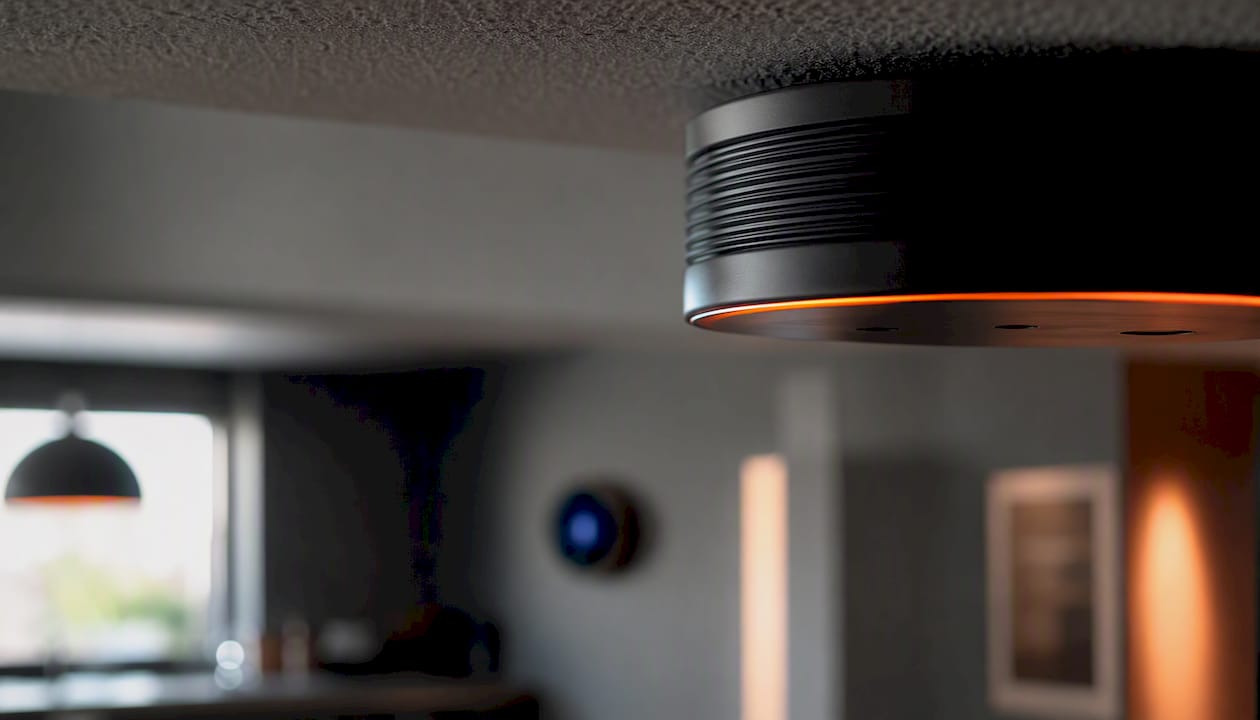
The Smart Hub (formerly Smart Bridge) connects to your router by Ethernet and acts as the translator between Clear Connect and the outside world. It is what makes the Lutron app, remote access, and third-party integrations possible. Without it, Caséta devices still respond to physical switches and Pico remotes locally, but app control and voice assistants go dark.
What works when the internet is down:
- Physical switches and Pico remotes: always on
- Scenes triggered from Pico remotes: always on
- App control and voice assistants: offline until internet returns
- Third-party integrations (HomeKit, Alexa, Google): offline until internet returns
Pro Tip: Place the Smart Hub on a UPS (uninterruptible power supply) alongside your router. If a power blip reboots your router, the hub reconnects automatically and your integrations restore without any manual re-pairing.
How to use Caséta in a Matter-centred home today
The practical path depends on which hardware you have and which Thread border routers are already in your home.
Direct Matter-over-Thread pairing (v2 hardware + Smart Bridge Pro):
Industry guides confirm that v2 Caséta hardware, combined with the Smart Bridge Pro, supports Matter-over-Thread for basic on/off and dimming. A Thread border router (HomePod mini, Apple TV 4K, or Amazon Echo 4th generation) must be present on the network. Once paired, the device appears in your Matter-compatible app alongside other Matter devices, but only exposes on/off and dim level. Scenes, schedules, and Pico remote assignments remain inside the Lutron app.
If you have v1 hardware or the standard Smart Hub:
There is no firmware upgrade path to Matter for first-generation Caséta devices. Your integrations through HomeKit, Alexa, and Google Home continue to work exactly as before. Nothing breaks; you simply do not gain Matter pairing.
Integration via whole-home controllers:
Control4 and similar professional platforms integrate Caséta through the Smart Hub's local API, giving installers granular control over every device in a multi-zone system. This path is independent of Matter entirely and is often the right choice for larger homes. For a closer look at how hub-based platforms compare to Matter-first architectures, the Control4 alternatives guide covers the trade-offs in detail.
Known limits even with Matter active:
- Pico remotes are not exposed to Matter controllers
- Advanced scenes and schedules stay in the Lutron app
- Shade motors paired to Caséta may not appear in Matter depending on the model
Pro Tip: Before committing to a Matter-over-Thread setup with Caséta, verify that your Smart Bridge Pro firmware is current. Lutron pushes updates automatically, but a hub that has been offline for months may need a manual update cycle before Matter pairing succeeds.
Should you buy Lutron Caséta today or wait?
Buy Caséta now if any of these describe your situation:
- Retrofit installation — Caséta works without a neutral wire in most configurations, which is the single biggest wiring advantage in older homes.
- Dimming quality matters — Clear Connect's dedicated radio delivers smoother, flicker-free dimming than most Wi-Fi switches at the same price point.
- Motorised shades — Lutron's shade integration is tighter and more reliable than most Matter-native alternatives currently on the market.
- Multi-way switching — Caséta handles three-way and four-way setups cleanly with Pico remotes instead of traveller wires, which simplifies retrofits considerably.
- You already use HomeKit, Alexa, or Google Home — all three work today through the Smart Hub, with no Matter dependency.
Consider a Matter-first device instead if:
- You are building new construction and want every device on a single Thread mesh from day one, with no separate hub
- Your smart home roadmap is strictly Thread-first and you want guaranteed interoperability across brands without a bridge
- You are buying used smart home hardware and cannot confirm which Caséta generation it is
Installation considerations to budget for:
- Smart Bridge Pro: required for Matter-over-Thread; the standard Smart Hub does not support it
- Neutral wire: not required for most Caséta dimmers, but confirm for your specific switch model
- Multi-way setups: budget for Pico remotes as auxiliary controls; they are not wired travellers
- Professional install: strongly recommended for multi-zone lighting, motorised shades, or any project with more than a handful of devices
Pro Tip: If your electrician or builder is already on site, have them run a neutral wire to every switch box anyway. It costs almost nothing during rough-in and gives you full flexibility if you ever swap to a different platform later.
| Buyer situation | Recommendation |
|---|---|
| Retrofit, no neutral wire | Caséta is the right choice now |
| New build, Thread-first roadmap | Confirm v2 + Smart Bridge Pro before ordering |
| Motorised shades | Caséta/Lutron shades are the stronger option |
| Strict Matter-only ecosystem | Consider Matter-native alternatives |
| Multi-zone, professional install | Caséta + Control4 or whole-home controller |
If Lutron expands Matter support further: what changes and what probably won't
Broader Matter support would make Caséta devices easier to add to a new platform without re-commissioning the whole system. Thread mesh benefits, specifically faster response and better range in large homes, would extend to Caséta switches that currently rely on the Smart Hub's Ethernet connection for cloud reach.
Likely gains:
- Easier cross-platform pairing via QR code, without platform-specific setup steps
- Caséta switches appearing natively in any Matter-compatible app
- Reduced dependency on the Smart Hub for basic control in Thread-dense homes
- Backwards-compatible firmware updates for v2 hardware (v1 units are not expected to gain Matter)
What will likely stay Lutron-native:
- Pico remote programming and button assignments
- Advanced scene engines and time-based schedules
- Shade motor grouping and calibration
- Integration with Lutron's occupancy sensors and daylight sensors
The pattern is consistent across the industry: Matter exposes a device's core function (on, off, dim level, colour temperature) but leaves vendor-specific intelligence inside the manufacturer's app. Homeowners who rely on Pico remotes for room-level scene control should plan to keep the Lutron app running regardless of how Matter support evolves.
Firmware update delivery for v2 hardware is automatic through the Smart Hub. Older v1 hardware has no published upgrade path to Matter, so buyers of used or builder-grade inventory should confirm the generation before assuming future compatibility.
A professional installer's take on Caséta and Matter
Reliability is the argument that wins every Caséta conversation on a job site. Clear Connect simply does not drop commands the way Wi-Fi switches do in a home with 40 other devices competing for the 2.4 GHz band. For a homeowner who wants lights that work every time, that matters more than a Matter logo on the box.
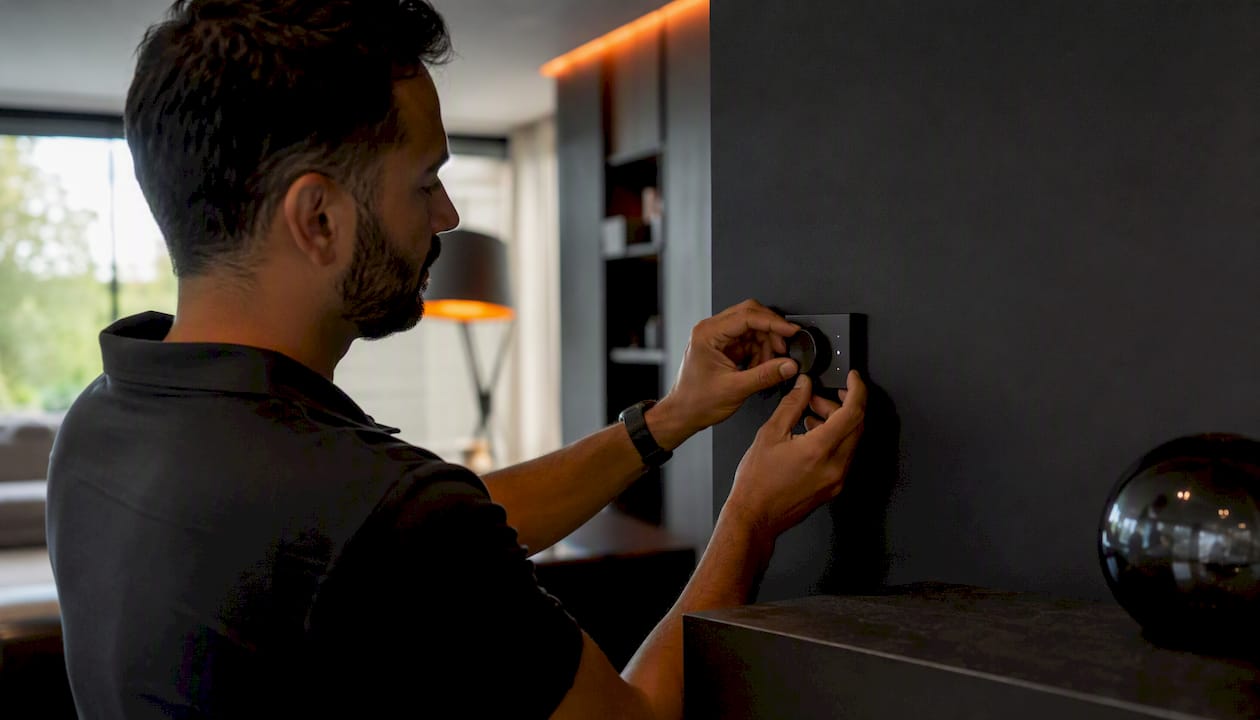
The commissioning reality is also worth stating plainly: Caséta installs are fast, the app is stable, and the Smart Hub's local API gives professional platforms like Control4 clean, reliable device control. Matter-native switches, by contrast, can introduce Thread mesh troubleshooting that adds time to a job, particularly in concrete or steel-framed homes where mesh coverage is unpredictable.
Where I would steer a client toward Matter-first devices is a new build where the Thread infrastructure is already planned and the homeowner genuinely wants a single-app future with no proprietary hub. That is a legitimate use case. But for retrofits, shades, and any project where dimming quality is non-negotiable, Caséta is still the professional's default.
Multi-zone lighting, motorised shades, or a home with more than a dozen switches: get a professional involved before you order hardware. Hub placement, mesh planning, and load calculations are not guesswork, and a mis-specified Smart Bridge Pro is a frustrating thing to discover after drywall is closed.
JupiterAV handles Caséta sales, installation, and support in Calgary
Choosing the right Caséta configuration, whether that is a standard Smart Hub setup, a Smart Bridge Pro for Matter-over-Thread, or a full Control4 integration with motorised shades, is exactly where a professional installation partner saves you time and money.

JupiterAV supplies, installs, and services Lutron Caséta smart lighting, motorised blinds, and whole-home audio and video systems for homeowners, businesses, and custom home builders across Calgary. The team handles everything from low-voltage wiring and hub placement to multi-zone commissioning and post-install support, so you are not troubleshooting Thread mesh coverage on a Saturday morning.
Ready to get a quote or book a site visit? Contact JupiterAV to talk through your project and get the right Caséta configuration specified before you buy a single switch.
Primary sources and further reading
- Caséta by Lutron — product overview: manufacturer product pages covering the Smart Hub, dimmers, switches, and shade controls
- Caséta works-with compatibility list: full list of supported ecosystems and integration partners
- The Caséta Smart Bridge — Lutron Support: official documentation on hub architecture, Clear Connect, and Ethernet connection requirements
- Caséta integrations troubleshooting — Lutron Support: steps to restore HomeKit, Alexa, and Google Home integrations after hub or network changes
- Lutron Caséta Smart Switch Review — Consumer Reports: independent review confirming Matter status and ecosystem compatibility assessment
- This smart lighting brand is Matter agnostic, and that's fine by me — PCWorld: hands-on review of Caséta's Matter position and reliability argument
- How Lutron Clear Connect technology powers Caséta reliability — GearBrain: technical explanation of the dedicated radio frequency and its reliability advantages
Sources
This guide draws on manufacturer documentation, independent reviews, and professional installation experience.
- Caseta Smart Home Compatibility | Caseta Wireless by Lutron
- Lutron Caseta Smart Switch Review - Consumer Reports
- This smart lighting brand is Matter agnostic, and that's fine by me | PCWorld
- Caséta by Lutron | Smart Light Switches, Controls & Dimmers
- How Lutron Clear Connect technology powers Caséta reliability - GearBrain