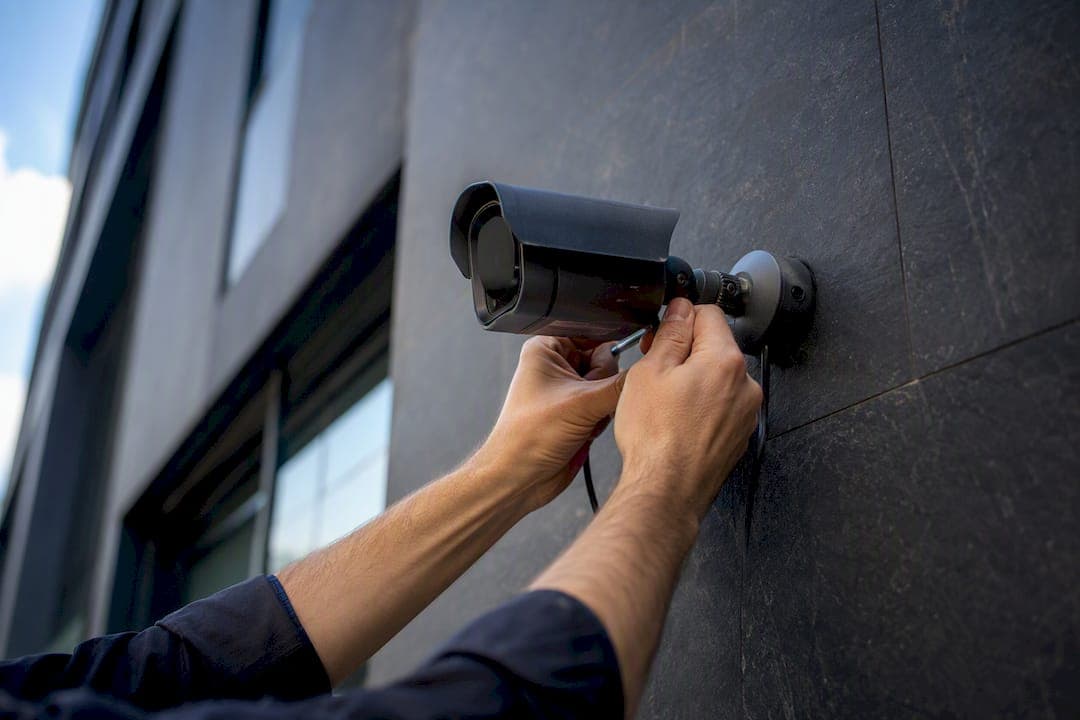
An AI security camera is a video sensor that recognizes people, vehicles, and unusual activity in real time, cutting false alarms and making footage searchable. The category runs on standards like ONVIF for interoperability, and design principles from bodies like NIST for image quality. JupiterAV installs these systems daily across homes and businesses. The technology splits into two processing paths, edge and cloud, each with real trade-offs.
- Detects: people, vehicles, packages, and behaviour anomalies like loitering or tailgating.
- Processes: on-camera (edge), on a local server, or in the cloud.
- Delivers: fewer false alarms and faster investigation through searchable, tagged footage.
Key Takeaways
AI security cameras work best when edge processing handles fast, privacy-sensitive detection while cloud tools add centralized analytics and remote access.
| Point | Details |
|---|---|
| Edge vs cloud isn't binary | Most professional systems use edge inference for speed and cloud for reporting and multi-site dashboards. |
| Optics matter more than specs | Mounting height, lens choice, and lighting determine AI accuracy more than the model itself. |
| Privacy needs a written policy | Set retention limits, restrict footage access, and treat face recognition as opt-in, not default. |
| Maintenance is ongoing | Firmware updates, lens cleaning, and network checks keep detection accuracy from degrading over time. |
| Professional installation pays off | JupiterAV handles site survey, camera selection, PoE wiring, and commissioning so systems perform correctly from day one. |
This article is general information, not a substitute for advice from a qualified lawyer. Consult a qualified legal professional about your own circumstances before acting on anything here.
Table of Contents
- What is an AI security camera and how does it analyze video?
- How do AI cameras work from capture to alert?
- What can AI cameras actually detect and track?
- Should you choose edge or cloud AI processing?
- Do AI cameras really reduce false alarms, and where do they fail?
- Which AI camera features matter most for your situation?
- How do you pick the right AI camera or system?
- Wiring, installation, and what a good system actually costs
- What are the privacy and legal considerations for AI cameras?
- How do leading AI camera brands compare?
- What does storage and video management actually involve?
- How often do AI cameras need maintenance and updates?
- What security vulnerabilities affect AI cameras, and how do you mitigate them?
- What do installers see go wrong most often with AI cameras?
- How JupiterAV helps you choose and install the right AI camera system
- Sources
What is an AI security camera and how does it analyze video?
An AI security camera pairs an image sensor with onboard or networked compute running models trained to interpret what the lens sees. It's not just a camera that records. It's a camera that classifies what it records, in real time, and decides whether that activity deserves your attention.
There are two broad flavours of video analytics. Rule-based systems trigger on simple conditions, like motion inside a drawn zone or a tripwire line crossing. Behavioural, machine-learning analytics go further: they learn to distinguish a person from a raccoon, a delivery van from a sedan, and a person pausing to tie their shoe from one loitering by your garage door. Artificial intelligence for video surveillance research confirms this analytical split is the backbone of how modern systems reduce noise.
Rule-based vs. behavioural analytics:
- Rule-based: fast, cheap, predictable, but trips on wind, shadows, and small animals.
- Behavioural (ML): interprets context, filters irrelevant motion, but needs more processing power and better training data.
- Hybrid systems: many cameras run both, using rules as a fast first filter and ML models to confirm.
In a typical security stack, the camera captures and often pre-processes video, a network video recorder (NVR) or video management system (VMS) stores and indexes it, and a cloud or on-premises software layer runs the heavier analytics and sends alerts to your phone.
How do AI cameras work from capture to alert?
The short version: a camera captures a frame, a model analyzes it, an alert fires if something matters, and the footage gets tagged and stored for later search. That loop runs continuously, often dozens of times per second.
- Capture. The sensor grabs frames, and many cameras apply basic image correction (exposure, noise reduction) before anything else happens.
- Inference. A model scans each frame for objects and patterns it was trained to recognize, whether that's a person, a licence plate, or an unusual gathering of people near an entrance.
- Decision. The system checks detections against your configured rules, like "alert only if a person enters this zone after 10 p.m."
- Alert and index. A notification goes to your app, and the clip gets tagged with metadata (object type, time, zone) so you can search it later instead of scrubbing through hours of footage.
Where inference happens matters. On-camera, or edge, processing runs the model directly on a chip inside the device, which cuts latency and keeps raw video from leaving your property. On-premises server processing pools that work onto a local box, useful when you're running many cameras and don't want every unit doing its own heavy lifting. Cloud processing sends video (or metadata) offsite to run inference on more powerful hardware, which usually enables richer analytics but depends entirely on your internet connection.
It helps to separate training from inference. Training is when a company builds and refines a model using large labelled datasets, teaching it to recognize a car from a thousand angles and lighting conditions. That work, described in research on machine learning and visual recognition, happens in a lab, not on your camera. Inference is the lightweight process of running that already-trained model against your live footage. This is why firmware and model updates matter: a camera's underlying hardware doesn't change, but the intelligence behind it keeps improving as vendors retrain and push new models.
What can AI cameras actually detect and track?
Spec sheets throw a lot of terms at buyers, and most of them map directly to a practical use case.
- Person detection distinguishes humans from pets, vehicles, and blowing debris, the single biggest reducer of nuisance alerts.
- Vehicle detection flags cars, trucks, or motorcycles entering a zone, useful for driveways and parking lots.
- Package detection watches for objects appearing and then being removed near your door.
- Face or watchlist detection matches faces against a stored list. Handle this one carefully. It carries real legal exposure depending on your jurisdiction, and it should never be a default-on feature.
- Licence-plate recognition (LPR) reads plates for gate access or incident logs, but it needs a clear, well-lit plate and correct mounting height to work reliably.
- Behaviour analytics catch loitering, tailgating at a secured door, or a person lingering near a vehicle.
- Crowd and occupancy counting track how many people are in a space, common in retail and commercial lobbies.
- Object left or removed flags an unattended bag or a stolen item from a display.
- Anomaly detection learns what "normal" looks like for a scene and flags deviations, like a delivery truck showing up at 3 a.m.
- Audio events, including gunshot or glass-break detection, add a non-visual layer of alerting.
- Intelligent search lets you type "red truck, Tuesday afternoon" instead of scrubbing timelines.
Pro Tip: Even the best model can't fix bad optics. A camera mounted too high shrinks faces and plates to unusable pixel counts, and a wide-angle lens covering too much ground dilutes the detail AI needs to work. Match the lens and mounting height to the specific detection job, not just the widest field of view available.
Should you choose edge or cloud AI processing?
Edge processing wins for low-latency, privacy-sensitive, or bandwidth-limited sites. Cloud processing wins where you need fast model updates and centralized analytics across many locations. Neither is universally "better," they solve different problems.
- Latency: edge responds in milliseconds; cloud adds network round-trip time.
- Bandwidth: edge sends only alerts and clips; cloud often needs continuous or frequent uploads.
- Privacy: edge keeps raw video on-site, which supports data sovereignty and simplifies compliance conversations.
- Cost: edge shifts cost into camera hardware; cloud shifts it into recurring subscriptions.
- Model updates: cloud platforms typically push improved models faster and more consistently.
- Resilience: edge keeps working during an internet outage; cloud-dependent systems can go blind.
Rule of thumb: pick edge-first for a single home, a warehouse with spotty connectivity, or anywhere footage sensitivity is high. Pick cloud-first for a retail chain wanting one dashboard across a dozen sites. Most professional installs today land on a hybrid: edge inference for the fast, critical alerts, with cloud layered on top for storage, reporting, and cross-site analytics.
Do AI cameras really reduce false alarms, and where do they fail?
Yes, AI cameras meaningfully cut false alarms compared to plain motion-triggered systems, and they make investigations faster because footage becomes searchable by object type instead of timestamp alone. That's the headline benefit, and it's the reason adoption has grown so quickly. Carnegie Endowment research tracks how AI surveillance tools have spread across 176 countries, a pace driven largely by exactly this kind of operational payoff.
The limitations are just as real, and worth knowing before you buy:
- Optics and resolution. A low-resolution sensor or a smudged lens starves the AI model of the detail it needs.
- Weather and glare. Rain, fog, direct sun, and headlight glare all degrade detection accuracy, which is why multi-modal sensing combining visible light with infrared has become standard on better cameras.
- Occlusion. A person partly hidden behind a vehicle or a bush can confuse even a well-trained model.
- Model bias. Datasets used to train detection models don't always represent every skin tone, body type, or clothing style equally well, and that bias shows up in real-world accuracy gaps.
- Spoofing and adversarial tricks. Printed patterns or unusual costumes have been shown to confuse some detection models in research settings.
Human attention drops off fast during long monitoring sessions, which is a core reason sustained visual vigilance research is cited so often when justifying automated analytics. That said, a camera is still a networked device. Firmware updates, strong account passwords, and network segmentation are essential alongside the AI model running inside it.
Which AI camera features matter most for your situation?
A single-family home mostly needs to answer one question: who's at my door? Person and package detection solve that directly, and a doorbell or porch camera with clear night vision covers most residential needs.
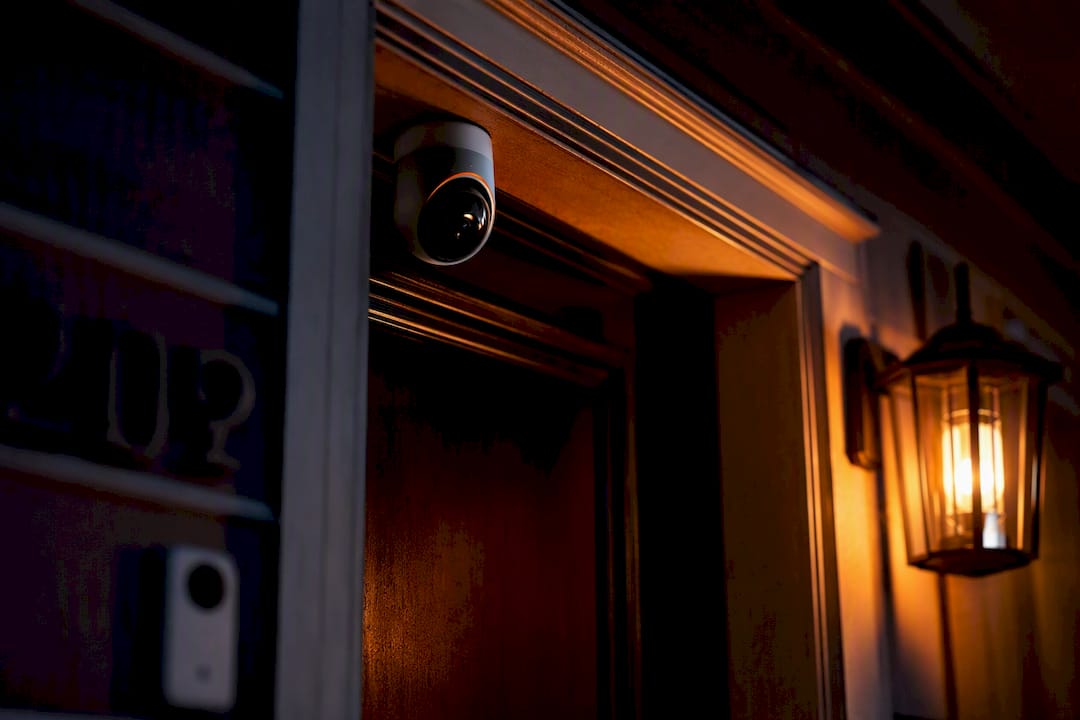
A multi-dwelling building faces a different problem: unauthorized entry and tailgating through secured doors. Behaviour analytics paired with access-control integration deliver the most value here, flagging when someone slips in behind a resident without badging in.
A retail or point-of-sale location cares about loss prevention and occupancy. Object-removed detection at displays and crowd counting near tills give managers real operational data, not just security footage.
A small industrial yard needs perimeter awareness across a large area. Vehicle detection and anomaly detection (flagging activity outside normal business hours) carry the most weight.
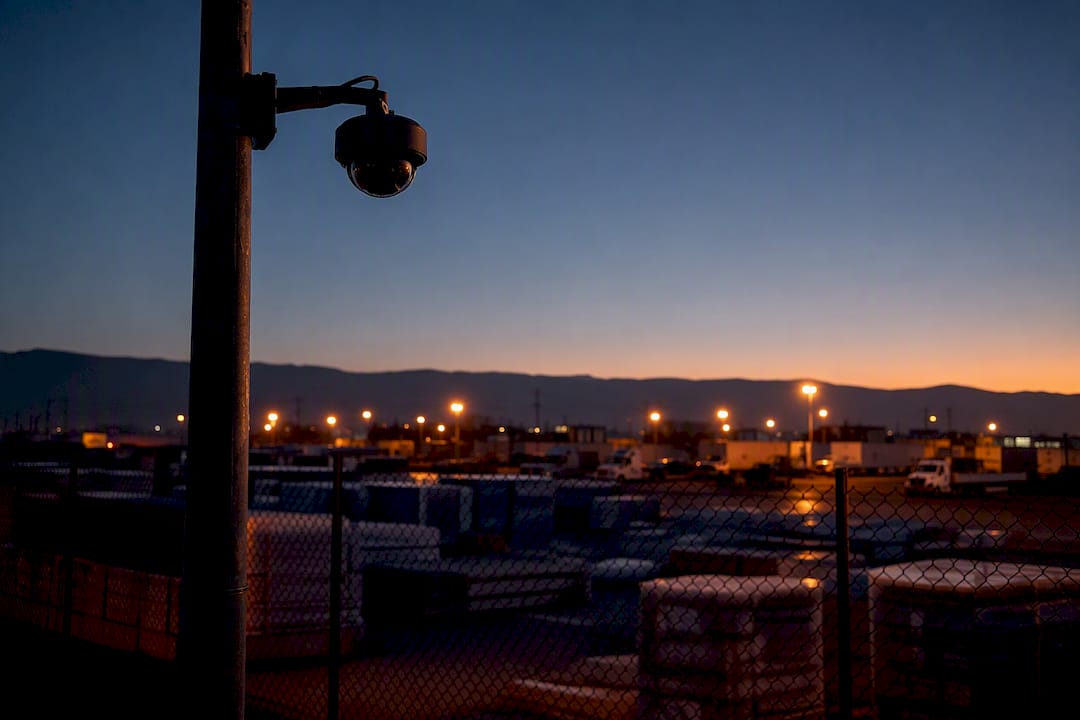
Once a site grows past a handful of cameras, or needs centralized reporting across multiple locations, it's usually time to look at enterprise-grade software rather than a consumer app tied to one device.
How do you pick the right AI camera or system?
Match the camera class to the job first: an entry-level smart camera for a single door, a PoE (Power over Ethernet) business camera system for a commercial site, or an enterprise analytics platform for multi-site operations. Once you know your class, run through these questions with any vendor or installer.
- Does it support ONVIF or open RTSP streaming, or am I locked into one app?
- What storage options exist, local NVR, cloud, or both?
- How often does the manufacturer push firmware and model updates?
- What detection models are actually included versus sold as add-ons?
- What privacy controls exist, including face-recognition opt-out and data masking?
- How long is footage retained, and can I control that retention window?
- Is processing edge, cloud, or hybrid, and what happens if my internet drops?
- What's the real cost model, one-time hardware cost or recurring subscription?
- What support and service-level commitments come with the system?
- Can this integrate with smart-home platforms like Alexa or a control system like Control4?
Watch for red flags: a system locked into a single proprietary app with no ONVIF or RTSP support, subscription fees that appear only after purchase, and vague answers about where your video actually gets processed and stored. Trust signals run the other way: open standards support, documented integrations, clear written privacy policies, and vendors willing to share accuracy or false-positive rates rather than just marketing claims.
Wiring, installation, and what a good system actually costs
Hire a professional when you're running more than a few cameras, need PoE switching, or want tight NVR/VMS integration. A single battery-powered doorbell camera is a reasonable DIY project. A six-camera PoE system feeding a dedicated NVR with proper network segmentation is not, and getting it wrong usually means redoing the cabling later.
Wiring checklist:
- Cat6 handles most residential PoE runs; Cat6a is worth the extra cost for longer runs or higher-bandwidth 4K cameras.
- Budget your PoE switch capacity before buying cameras, not after, so you don't run out of ports or power headroom.
- Run cable through conduit wherever it's exposed to weather or physical damage.
- Mount cameras at 8 to 10 feet for most detection work, avoiding backlight from windows or streetlights.
- Confirm your switch and NVR have enough bandwidth for simultaneous 4K streams if you're running several high-resolution cameras.
Cost mainly comes down to five factors: camera class, camera count, cabling complexity, whether you need an NVR/VMS versus a cloud subscription, and labour. A single consumer camera runs a few hundred dollars installed. A multi-camera PoE system with proper cabling and an NVR climbs quickly from there, and Alberta installation cost guidance breaks down typical local price bands in more detail.
Pro Tip: Test camera footage from the actual mounting height and angle before finalizing the install. What looks fine on a ladder often looks completely different once the camera is permanently fixed eight feet up, and by then it's a much bigger job to fix.
What are the privacy and legal considerations for AI cameras?
Privacy and legal obligations for security footage vary significantly by province and by use case, so design your system to collect only what you need and keep it only as long as necessary. That's the safest default position regardless of where you're installing.
- Post visible signage where cameras record public-facing areas.
- Set a written retention policy, and don't keep footage indefinitely just because storage is cheap.
- Restrict access to footage and logs to specific accounts, not a shared password.
- Treat face recognition as an opt-in, carefully governed feature, never a default setting, and understand that consent requirements can apply.
- Practise data minimization: record the zones you actually need, not every inch of a property "just in case."
- Store footage securely, with encryption in transit and at rest where the platform supports it.
Regulated environments (workplaces, healthcare, multi-tenant buildings) carry extra obligations. Consult a privacy professional or local authority for your specific use case, and keep a written record of the privacy decisions you made and why.
How do leading AI camera brands compare?
Three vendor categories cover most of the market, and knowing which one you're shopping in saves a lot of confusion. Consumer smart-camera brands, like the kind sold through eufy, focus on easy setup, mobile apps, and person or package detection at a residential price point, typically a few hundred dollars per camera with little to no professional installation required.
Professional PoE camera manufacturers, a category that includes established names like Pelco, build hardware aimed at commercial and industrial installs: wider dynamic range, better low-light sensors, and support for open standards like ONVIF that let them plug into a proper NVR or VMS.
Analytics-first platforms sit a layer above the hardware. Companies like Avigilon supply enterprise-grade video management software with advanced analytics, cross-camera correlation, and centralized dashboards for sites running dozens or hundreds of cameras. Some platforms, as noted in research on AI video surveillance software, are built specifically to bolt onto cameras you already own via ONVIF or RTSP, avoiding a full hardware refresh. Others go further and fuse data across multiple cameras for richer situational awareness than any single camera could provide alone.
For most homeowners and small businesses, the right answer isn't picking a single "best" brand. It's matching camera hardware and software layer to your site's scale, then confirming they interoperate cleanly through open standards rather than a closed ecosystem.
What does storage and video management actually involve?
Your two basic storage paths are local (an NVR running ONVIF-compliant cameras, or a full VMS) and cloud-based retention through a subscription service. Each has real implications for cost, access, and control.
A local NVR keeps all footage on a physical box on your property, which means no recurring subscription and full control over retention length, but you're responsible for the hardware and its backups. NVR-based systems also tend to offer better bandwidth efficiency for large camera counts since footage never needs to leave the local network for normal viewing.
Cloud retention stores footage offsite, usually with a monthly or annual fee tied to how many days of footage you keep and how many cameras you're running. The upside is remote access from anywhere and automatic offsite backup if a camera or NVR gets damaged or stolen. The downside is ongoing cost and a dependency on your internet connection for both uploads and playback.
A VMS (video management system) is the software layer that sits on top of either storage type, giving you search, tagging, user permissions, and analytics dashboards. Larger sites, especially multi-building or multi-tenant properties, usually need a proper VMS rather than the basic app that ships with a consumer camera. Many buyers land on a hybrid: local NVR storage for day-to-day footage and reliability, with select clips backed up to the cloud for redundancy and remote access.
How often do AI cameras need maintenance and updates?
AI security cameras need routine firmware updates, periodic model refreshes, and basic physical maintenance to keep detection accuracy where it should be. Skipping this is the most common reason a system that worked well on install day gets worse over time.
Firmware updates patch security vulnerabilities and often improve detection performance, since manufacturers regularly retrain the underlying models and push them out as updates rather than requiring new hardware. Set a quarterly reminder to check for and apply firmware updates across your entire camera fleet, not just the newest units.
Physical maintenance matters just as much as software. Lenses collect dust, spiderwebs, and water spots, all of which quietly degrade the image quality feeding your AI model. A quick wipe-down every few months, more often in dusty or coastal environments, keeps detection accuracy where it should be.
Network health deserves a periodic check too: confirm PoE switches aren't running near capacity, verify NVR storage isn't close to full, and test that alerts are actually reaching your phone or monitoring service. A system that silently stopped sending notifications months ago provides zero security value, no matter how good the camera hardware is.
Finally, revisit your detection zones and rules periodically. A zone drawn around an empty lot that later gets a shed built on it, or a rule tuned for winter darkness that never gets adjusted for summer daylight, both quietly generate false alerts or missed detections until someone goes back and retunes them.
What security vulnerabilities affect AI cameras, and how do you mitigate them?
Networked cameras are computers, and like any computer, they carry real attack surface: default passwords, unpatched firmware, and exposed ports are the most common ways AI cameras get compromised.
The most frequent vulnerability is simply never changing the default admin password, which leaves a camera open to anyone scanning for known device fingerprints online. Pair that with unpatched firmware, and a camera can become an entry point into your broader home or business network, not just a compromised video feed.
Exposed remote access is another common gap. Cameras configured to be reachable directly from the internet without a VPN or a properly configured cloud relay create an unnecessary open door. Network segmentation, putting cameras on their own VLAN separate from computers and point-of-sale systems, contains the damage if one device does get compromised.
Cloud-connected cameras also depend on account security at the platform level. Weak or reused passwords on the mobile app account, combined with no two-factor authentication, have led to real incidents of strangers accessing home camera feeds.
Mitigation is straightforward, even if it's often skipped: change default credentials immediately, enable two-factor authentication wherever it's offered, keep firmware current, segment cameras onto their own network, and avoid exposing camera ports directly to the internet. Professional installers configure this correctly from day one, which is a large part of why a properly commissioned system stays secure years after installation rather than becoming the weak link in your network.
What do installers see go wrong most often with AI cameras?
Most AI camera failures trace back to placement, optics, or network design, not the AI model itself. A perfectly good detection algorithm can't compensate for a camera pointed at the wrong angle or starved of bandwidth.
Common mistakes include mounting too high (shrinking faces and plates below usable resolution), choosing a wide-angle lens when a narrower field of view was needed for detail, insufficient lighting at night, and undersized PoE switches that choke bandwidth once every camera comes online at once.
The fix is almost always the same: test footage from the real mounting position before locking anything in place, and walk through a staged commissioning checklist camera by camera rather than installing everything and hoping it works. JupiterAV builds that testing step into every install specifically because it catches problems while they're still cheap to fix.
How JupiterAV helps you choose and install the right AI camera system
Getting the hardware, wiring, and software layer right the first time saves you from expensive rework down the line, and that's exactly where a professional installer earns their keep. JupiterAV handles AI security camera projects from initial site assessment through to a fully commissioned, tested system.

- Site survey: we assess coverage needs, lighting conditions, and existing network capacity before recommending hardware.
- Camera selection: we match camera class (consumer, PoE business-grade, or enterprise analytics) to your actual site rather than upselling unnecessary gear.
- Cabling and PoE provisioning: proper Cat6/Cat6a runs and correctly sized PoE switching, done once, done right.
- Integration: we connect your cameras to an NVR/VMS or cloud analytics platform, and tie the system into smart-home platforms like Alexa or Control4 where it makes sense.
- Commissioning and training: we test footage from final mounting positions, tune detection zones, and walk you through the app before we leave.
If you're weighing a DIY consumer kit against a properly wired, professionally tuned system, request a consultation with JupiterAV to get a straightforward quote for your property.
Sources
- Artificial intelligence for video surveillance
- PubMed: Study on sustained visual vigilance (human observers)
- Machine learning and visual recognition (book chapter)
- The global expansion of AI surveillance technology
- AI video detection in schools: how automated surveillance reduces emergency response time