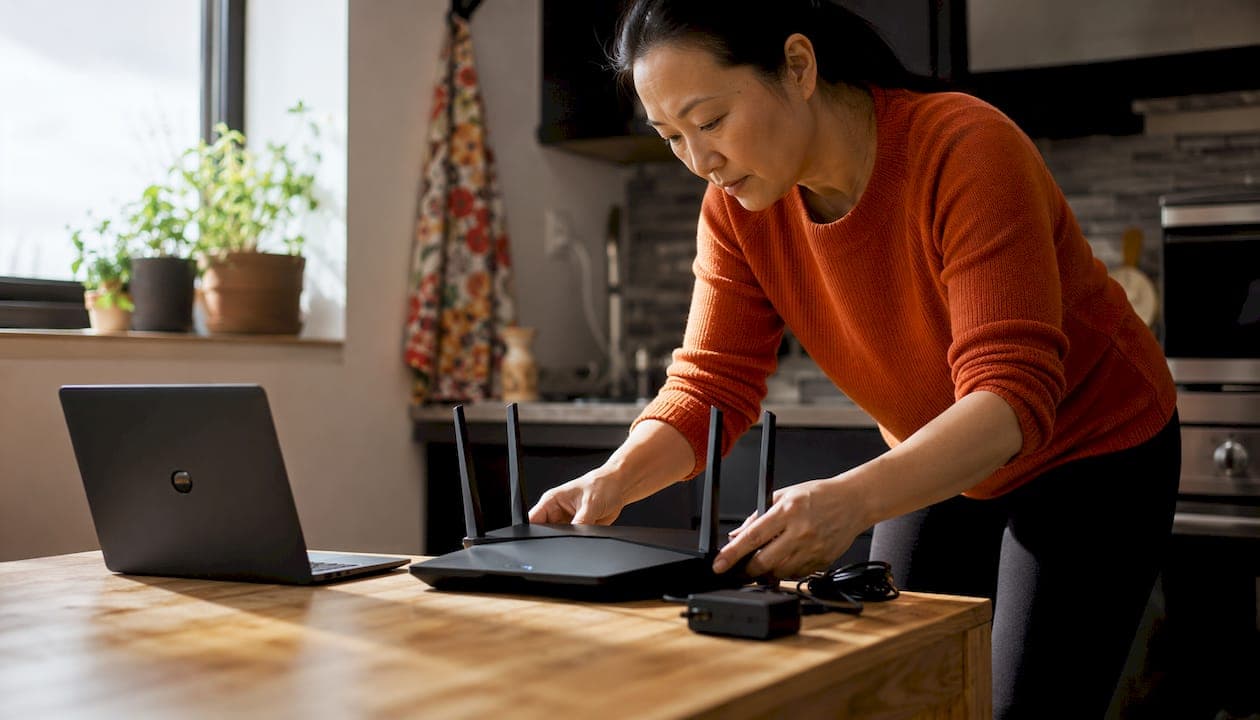
The best Wi-Fi routers for 2026 are Wi-Fi 7 models, and the top picks for Canadian homes are the TP-Link Archer BE550 (best overall value), the Eero Pro 7 (best for smart homes and mesh coverage), and the Asus RT-BE96U (best budget Wi-Fi 7 entry). If you need whole-home mesh, the Eero Max 7 is the strongest performer. For tighter budgets or smaller spaces, the TP-Link Archer BE230 and BE3600 cover the entry-level Wi-Fi 7 tier well. The Eero 6 remains a capable option if you're not yet ready to move to Wi-Fi 7.
| Model | Speed rating | Device support | Coverage | Price range (CAD) | Security | Multi-gig ports |
|---|---|---|---|---|---|---|
| TP-Link Archer BE550 | — | 200+ | ~2,500 sq. ft. | — | WPA3, guest network | 2.5 GbE WAN |
| TP-Link Archer BE230 | BE3600 | 100+ | 2,000 sq. ft. | around $100 | WPA3 | 2.5 GbE WAN |
| TP-Link Archer BE3600 | BE3600 | 100+ | ~2,000 sq. ft. | under $200 | WPA3 | 2.5 GbE WAN |
| Eero 6 | — | 50+ | 2,000 sq. ft. | — | WPA3, auto updates | 1 GbE |
| Eero Pro 7 | — | 200+ | ~2,000 sq. ft. | — | WPA3, auto updates | Dual 5 GbE |
| Eero Max 7 | BE19000 | 200+ | ~2,500 sq. ft. | — | WPA3, auto updates | Dual 10 GbE |
| Asus RT-BE96U | BE19000 | 200+ | over 2,500 sq. ft. | ~$550–$700 | WPA3, AiProtection | Dual 10 GbE |
How do these top routers compare on real-world performance?
Expert testing across throughput, jitter, packet loss, and range puts the TP-Link Archer BE550 at the top of the value tier. It delivers solid Wi-Fi 7 throughput across 2.4 GHz, 5 GHz, and 6 GHz bands without the premium price of flagship models.
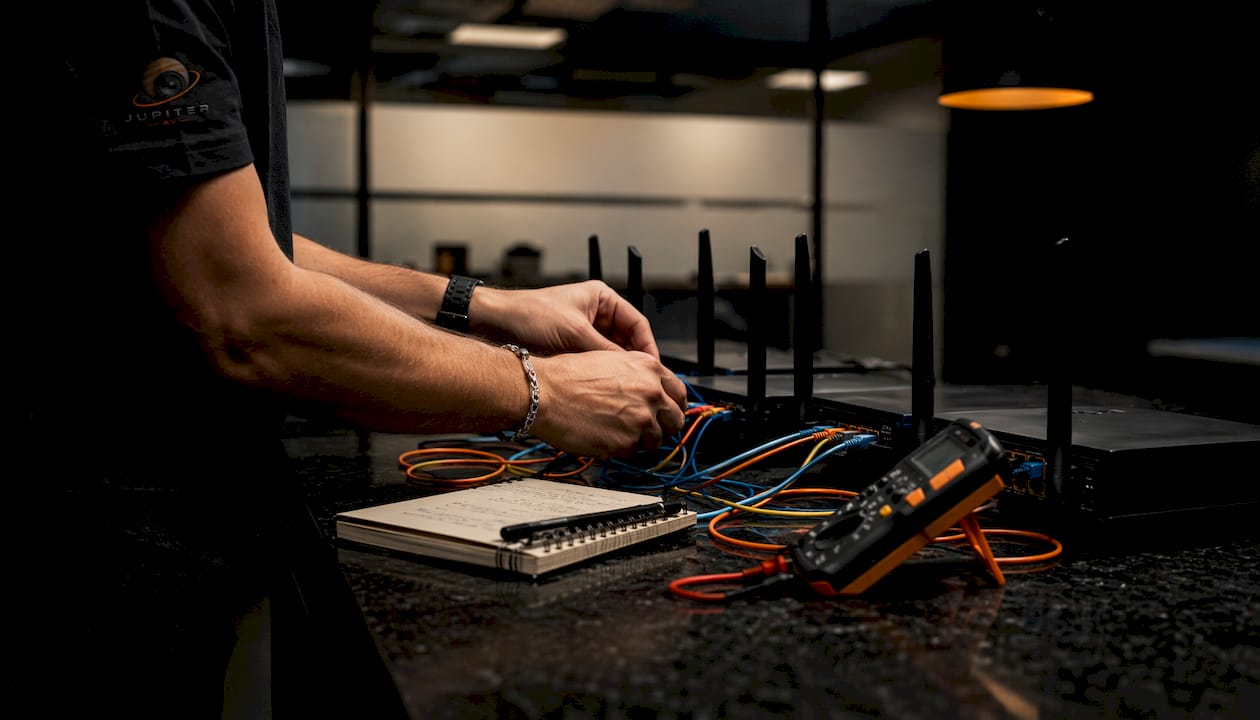
The Eero Pro 7 stands apart for smart home households. It supports 200+ devices per node, covers 2,000 sq. ft., and runs on dual auto-sensing 5 GbE ports, making it genuinely capable for plans up to 5 Gbps. Its TrueMesh software actively routes traffic to the strongest available path, which matters in homes with thick walls or split-level layouts.
The Eero Max 7 offers dual 10 GbE ports and high performance, built for demanding uses such as 8K streaming, cloud gaming, and large smart home deployments. The Asus RT-BE96U offers high performance and adds Asus AiProtection, a built-in security suite that scans for threats at the router level rather than relying solely on device-side antivirus.
Pros and cons at a glance:
- TP-Link Archer BE550: Strong throughput, affordable Wi-Fi 7 entry, tri-band. No 10 GbE ports.
- TP-Link Archer BE230/BE3600: Budget-friendly, easy setup, good for smaller homes. Limited device ceiling.
- Eero 6: Simple app, reliable for light use. Wi-Fi 6 only, no 6 GHz band.
- Eero Pro 7: Excellent mesh, smart home integration (Thread, Zigbee, Matter), dual 5 GbE. Premium price per node.
- Eero Max 7: Top-tier speeds, dual 10 GbE, Alexa integration. Expensive for a single unit.
- Asus RT-BE96U: Dual 10 GbE, AiProtection, strong range. Complex interface for non-technical users.
How were these routers tested and selected?
The selection criteria follow the same framework used by PCMag's testing team: objective, repeatable benchmarks run across multiple device loads and interference conditions.
Testing benchmarks applied:
- Throughput measured at close range, mid-range, and far range on each band
- Jitter and packet loss under simultaneous multi-device load (streaming, gaming, video calls)
- Range testing across floor plans with structural obstacles
- Device density stress tests with 50+ connected clients
- Security feature verification: WPA3 support, guest network isolation, firmware update behaviour
- ISP compatibility checks relevant to Canadian providers (Bell, Shaw/Rogers, Telus)
Real-world performance rarely matches a router's theoretical maximum. Even routers rated at 19 Gbps deliver speeds capped by your ISP plan and your devices' own Wi-Fi capabilities. A router rated BE19000 on a 1 Gbps Telus fibre plan will not push past 1 Gbps to your laptop regardless of its spec sheet. That gap between spec and reality is why throughput under load, not peak theoretical speed, drives these recommendations.
Smart home integration was also weighted heavily given how Calgary households are increasingly running Control4, Alexa, and Matter-enabled devices alongside their routers.
What Wi-Fi standards and router types should you know in 2026?
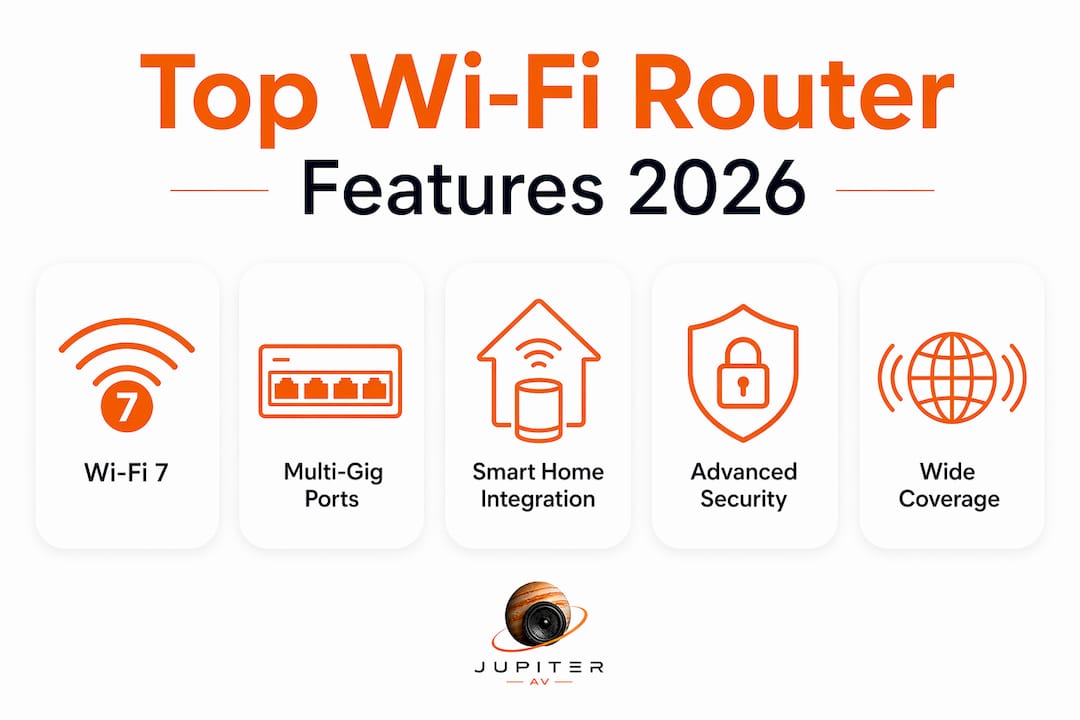
Wi-Fi 7 (802.11be) is the current generation, and it matters for three concrete reasons: wider 320 MHz channels on the 6 GHz band, Multi-Link Operation (MLO) that lets devices connect across multiple bands at once, and meaningfully lower latency than Wi-Fi 6 or 6E. For gaming, video calls, and dense device environments, those gains are real.
Router types and when each fits:
- Dual-band (2.4 GHz + 5 GHz): Suits apartments, small homes, and light device loads. Wi-Fi 7 dual-band models are available for around $100.
- Tri-band (2.4 GHz + 5 GHz + 6 GHz): The right choice for homes with 20+ devices, 4K/8K streaming, or gaming. Tri-band Wi-Fi 7 starts under $200.
- Mesh systems: Multiple nodes cover large homes or offices where a single router leaves dead zones. Wired backhaul between nodes dramatically outperforms wireless satellite links in stability and speed.
- Wi-Fi 6/6E: Still capable for most households, especially on plans under 1 Gbps. The Eero 6 fits here. Not future-proof for multi-gig plans.
Security standards in 2026 routers include WPA3 encryption as a baseline expectation, alongside automatic firmware updates, guest network isolation, and integrated firewall functions. The Asus RT-BE96U's AiProtection and the Eero line's automatic update model both meet this bar.
How do you choose the right Wi-Fi router for a Canadian home or small business?
Router selection depends more on home size, device density, and budget than on chasing the highest speed rating. A dual-band Wi-Fi 7 router around $130 CAD handles most small-to-medium homes well. Large homes, dense device networks, or small offices need tri-band mesh with multi-gig ports.
Steps to choose the right router:
- Check your ISP plan speed. A multi-gig router on a 300 Mbps plan wastes money. Match the router's WAN port to your plan tier.
- Count your devices. Households with 30+ connected devices (phones, tablets, smart speakers, thermostats, cameras) need a router rated for 100+ clients.
- Measure your coverage area. Homes over 2,500 sq. ft. or with multiple floors benefit from a mesh system rather than a single router.
- Prioritise security. Look for WPA3, automatic firmware updates, and guest network isolation as non-optional features.
- Check Canadian ISP compatibility. Most major routers work with Bell, Rogers/Shaw, and Telus, but confirm VLAN tagging support if your ISP requires it (Bell Fibe does).
- Consider smart home protocols. If you run Alexa, Control4, or Matter devices, the Eero Pro 7 and Eero Max 7 handle Thread, Zigbee, and Matter natively.
For future-proofing, prioritise routers with multi-gig WAN/LAN ports. Physical port speed caps throughput before Wi-Fi limits become the bottleneck, especially as Canadian ISPs roll out 2.5 Gbps and 10 Gbps fibre tiers in Calgary and other major centres.
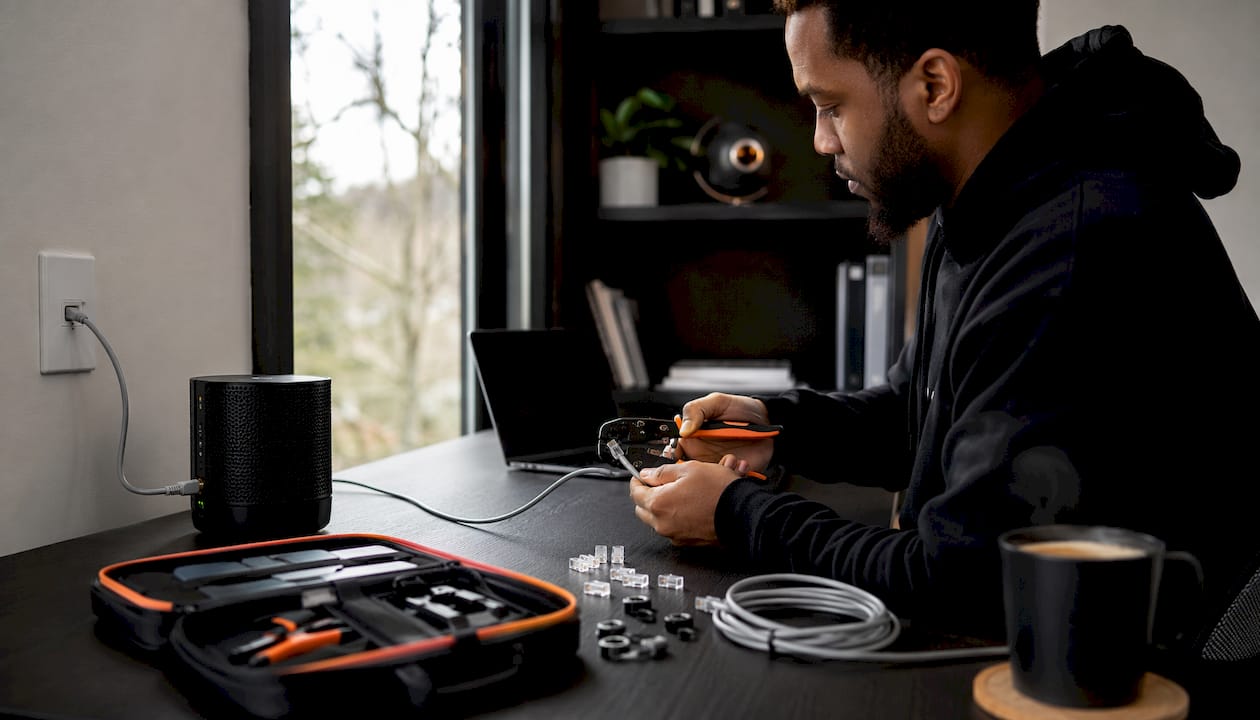
Pro Tip: If your home already has Ethernet runs to multiple rooms, use wired backhaul between mesh nodes. Wired backhaul consistently outperforms wireless satellite links in both speed and reliability, and it's the single biggest upgrade you can make to a mesh network without buying new hardware. JupiterAV handles home Ethernet wiring for Calgary homeowners if you want it done properly.
Which Wi-Fi router models work best for Canadian buyers in 2026?
| Model | Best for | Price range (CAD) | Warranty/support |
|---|---|---|---|
| TP-Link Archer BE550 | Budget Wi-Fi 7, most households | — | 2-year, Canadian support |
| TP-Link Archer BE230 | Small homes, entry Wi-Fi 7 | around $100 | 2-year |
| TP-Link Archer BE3600 | Mid-range, easy upgrade | under $200 | 2-year |
| Eero 6 | Renters, light use | — | 1-year, app-based |
| Eero Pro 7 | Smart homes, SMB | — | 1-year, app-based |
| Eero Max 7 | Large homes, power users | — | 1-year, app-based |
| Asus RT-BE96U | Gamers, tech-savvy users | ~$550–$700 | 3-year, Canadian support |
The TP-Link Archer BE3600 is the standout pick for buyers who want Wi-Fi 7 without complexity. It offers solid performance, a straightforward setup, and a price that doesn't require justification. For expert networking tips and smart home integration advice, TechRunners covers Wi-Fi 7 setups in depth.
The Eero Pro 7 suits Calgary households running a mix of smart home devices alongside heavy streaming and remote work. Its dual 5 GbE ports and TrueMesh software handle the kind of mixed traffic that trips up cheaper routers. Firmware updates arrive automatically, and the app-based management is genuinely simple.
The Asus RT-BE96U is the right call for gamers and power users who want maximum control. Its AiProtection suite, dual 10 GbE ports, and three-year warranty make it one of the strongest long-term investments in this list. The interface is dense, but that's a fair trade for the feature depth.
Eero 6 remains worth considering for renters or secondary spaces where Wi-Fi 6 coverage is sufficient and simplicity matters more than raw speed.
For professional installation of any of these routers alongside smart home systems, whole-home audio, or custom AV setups, JupiterAV provides full networking and integration services across Calgary.

Key takeaways
Wi-Fi 7 tri-band routers with multi-gig ports are the right choice for most Canadian homes in 2026, with the TP-Link Archer BE550 and Eero Pro 7 covering the broadest range of needs.
| Point | Details |
|---|---|
| Wi-Fi 7 is the current standard | Tri-band Wi-Fi 7 routers start under $200 CAD and deliver real gains in speed and device capacity. |
| Match the router to your ISP plan | A multi-gig router only helps if your internet plan and devices can use the extra bandwidth. |
| Wired backhaul improves mesh performance | Connecting mesh nodes via Ethernet consistently outperforms wireless satellite links in speed and stability. |
| Security features are now baseline | WPA3, automatic firmware updates, and guest network isolation are standard expectations in 2026 routers. |
| Smart home compatibility matters | Eero Pro 7 and Eero Max 7 support Thread, Zigbee, and Matter for households running Alexa or Control4. |